7
2. Press the up or down button to scroll through the 3 options� They will be displayed as C1, C2, and C3�
After you have reached the desired temperature level, press the lock button� The new level is now set� It
takes approximately 2 hours for the cold water temperature range to adjust to the new level� During the
adjustment process, the cold water light will illuminate in blue� Once the new level has been reached,
the light will change to white�
NOTE: Cold water temperature is measured inside cold reservoir tank� Due to many variables,
including but not limited to, ambient temperature, water receptacle size/temperature, internal
travel from reservoir tank to dispense point, etc�, temperature range of water dispensed from
unit will vary from stated range�
Set the Hot Water Temperature Level
You can select from 3 dierent hot water dispensing temperature levels: H1 (hot), H2 (hotter), and H3 (hottest)�
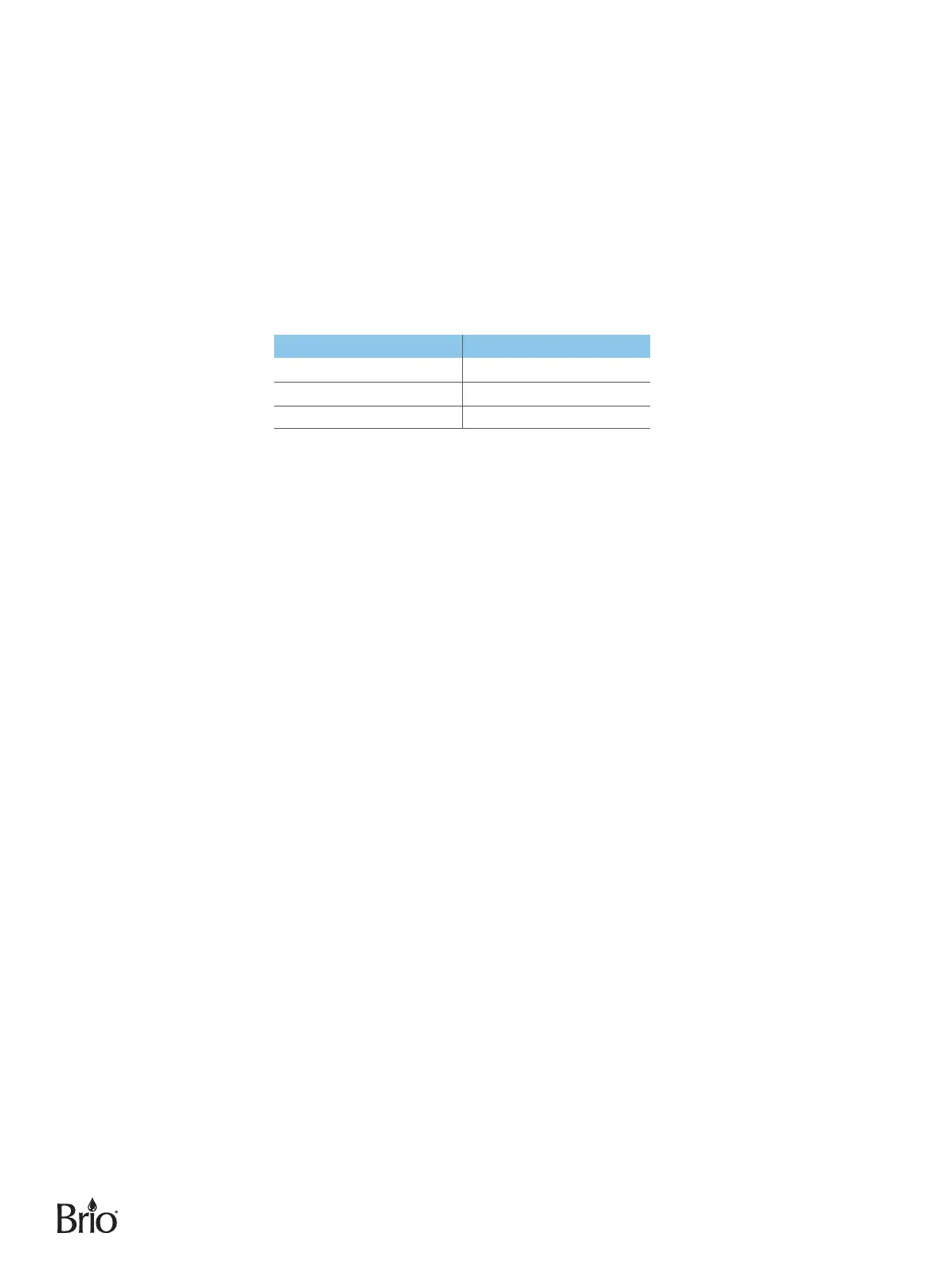
Temperature Level Dispensing Temperature Range
H1 178°F to 184°F
H2 184°F to 190°F
H3 190°F to 196°F
NOTE: The default temperature dispensing level for hot water is H3 (hottest)�
To change the hot water temperature dispensing level, please do the following:
1. Press and hold the up arrow button for 3 seconds� The hot water button and time display screen begin to flash�
2. Press the up or down button to scroll through the 3 options� They will be displayed as H1, H2, and H3�
After you have reached the desired temperature level, press the lock button� The new level is now set�
It takes 15 to 20 minutes for the hot water temperature range to adjust to the new level� During the
adjustment process, the hot water light will illuminate in red� Once the new level has been reached, the
light will change to white�
NOTE: Hot water temperature is measured inside hot reservoir tank� Due to many variables, including
but not limited to, ambient temperature, water receptacle size/temperature, internal travel from
reservoir tank to dispense point, etc�, temperature range of water dispensed from unit will vary
from stated range�
Dispense Ice
NOTE: It takes approximately 1 hour after plugging in dispenser and turning on the ice-making switch
to create enough ice to be dispensed� It takes approximately 4 hours for the ice storage
chamber to completely fill� The ice button will illuminate in blue as ice is being made� Once the
ice-making process is complete, it will illuminate in white�
1. Place a drinking glass or container under the ice dispense point and press the ice button to dispense ice�
2. Release the button when your container is full�
Dispense Cold Water
NOTE: It takes approximately 1 hour after plugging in dispenser and turning on cooling switch for
water to reach its coldest temperature�
1. Place a drinking glass or container under the water dispense point and press the cold water button to
dispense cold water�
2. Release the button when your container is full�


 To Next Page