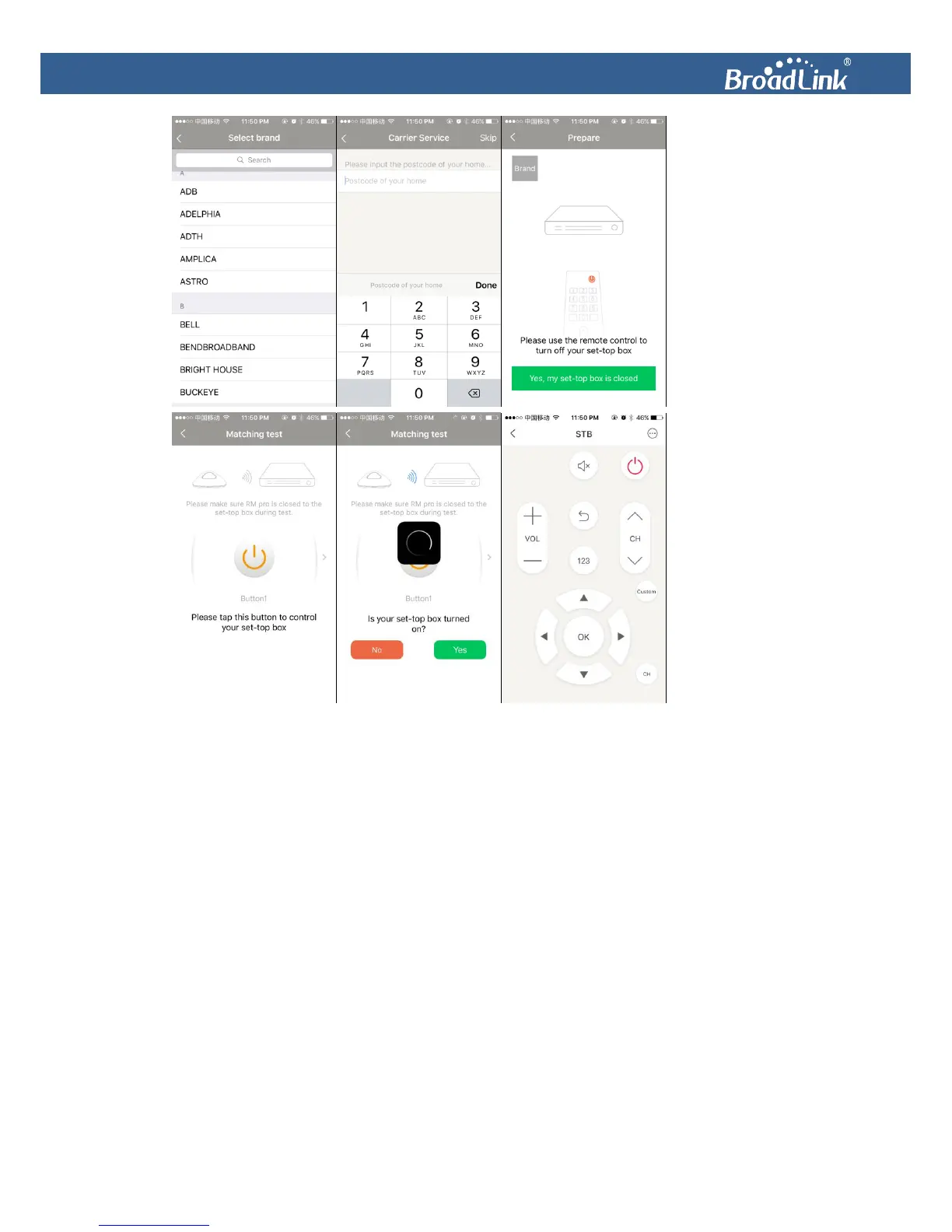
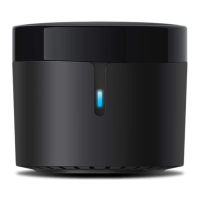
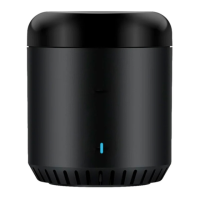
If you cannot find the brand of your appliance in the list, you can use a “User-defined remote”
to learn the buttons individually. Tap+, the indicator LED will turn orange, please point your
remote to the
Universal Remote
and press the button on the physical remote to learn. The
orange LED will go off, and the button will have been learned successfully. Name the button
and select an icon for it.


 To Next Page