Need help?
Do you have a question about the Brocade Communications Systems G610 and is the answer not in the manual?
Explains text formatting, command syntax, and notice formats used in the manual.
Lists compatible hardware, software versions, and supported rack mount kits.
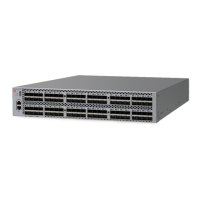
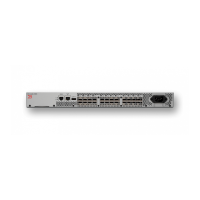
Describes the physical and functional capabilities of the Brocade G610 switch.
Explains the capacity-based Dynamic Ports on Demand (PoD) licensing method.
Lists various methods for managing and configuring the switch via CLI or GUI.
Covers general, ESD, power, lifting, and laser safety guidelines before installation.
Details electrical, thermal, and rack space requirements for proper device installation.
Provides a step-by-step overview for a successful device installation process.
Describes different methods for rack or standalone installation of the device.
Instructions for installing the device as a single unit on a flat surface.
Covers procedures for various rack mounting hardware for different rack types.
Lists necessary hardware and software for initial device configuration.
Steps to safely connect and power on the switch after installation.
Details setting static IP or using DHCP for network connectivity.
Steps to check device functionality using LEDs and commands.
Safety guidelines for handling fiber optics, transceivers, and connectors.
Step-by-step guide for inserting and removing SFP+ optical transceivers.
Explains the meaning of various status LEDs on the switch's port side.
Describes how to perform and interpret hardware and firmware diagnostic tests.
Warnings regarding service personnel, fan tray handling, electrical hazards, and device operation.
Highlights hazards associated with fiber-optic interfaces using Class 1 lasers.
 General
| Model | G610 |
|---|---|
| Type | Fibre Channel Switch |
| Aggregate Bandwidth | 768 Gbps |
| Maximum Frame Size | 2112 bytes |
| Form Factor | 1U |
| Power Supply | Dual, hot-swappable |
| Data Rate | 8/16/32 Gbps |
| Power Consumption | 60 watts typical |
| Ports | 24 |
| Fibre Channel Ports | 24 |

 To Next Page