How to use on
Xbox Series X|S/ Xbox One/ PC
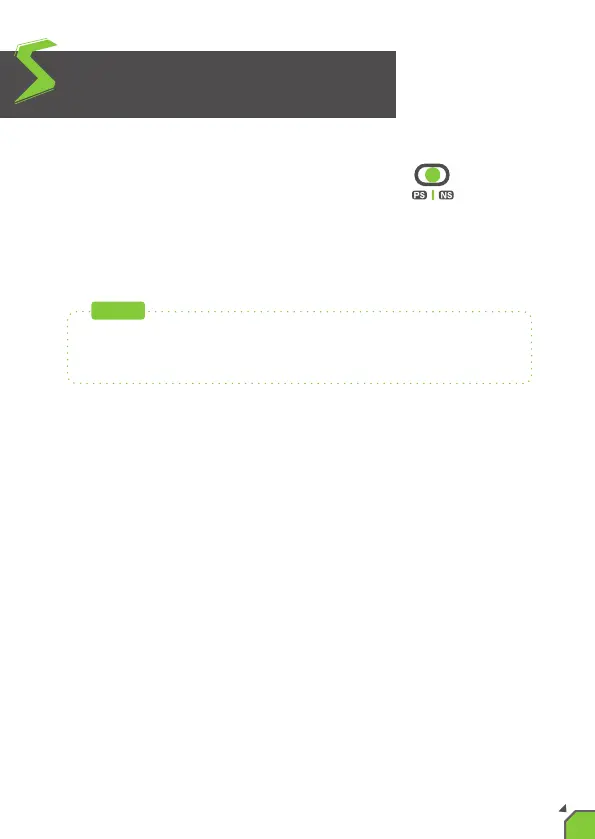
1. Toggle the "PS4/Xbox One/Switch slide switch"
to the bar labeled between "PS" and “NS”.
2.In this mode, the X One SE is set to off, please
use the controller as a normal connecon.
If you need to use Remap/Turbo/Hold funcon when connecng to
a PC, it is recommended that you connect in PS4 simulaon mode.
NOTE
06


 To Next Page