Cancelling Funcon
Remap Funcon
Cancellaon of single buon remap funcon:
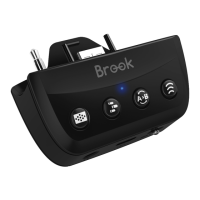
Press the "Remap buon" and the FK buon with the Remap funcon,
release it and press the FK buon again to redefine the FK funcon.
EX: If you press the “Remap buon” and the “A” buon that has been
set to X+Y at the same me, release the buon and press the A buon
again, then the X+Y seng on the “A” buon will be cancelled.
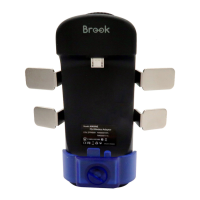
About the use of paddles
When the Profile buon on the Xbox One Elite Series 2 is toggled off, the
4 paddles on the back of the controller can be used as FKs.
Note:
You can set the funcons of other FKs to the paddles, but not the
paddles to other FKs.
Cancellaon of all buon remap funcon:
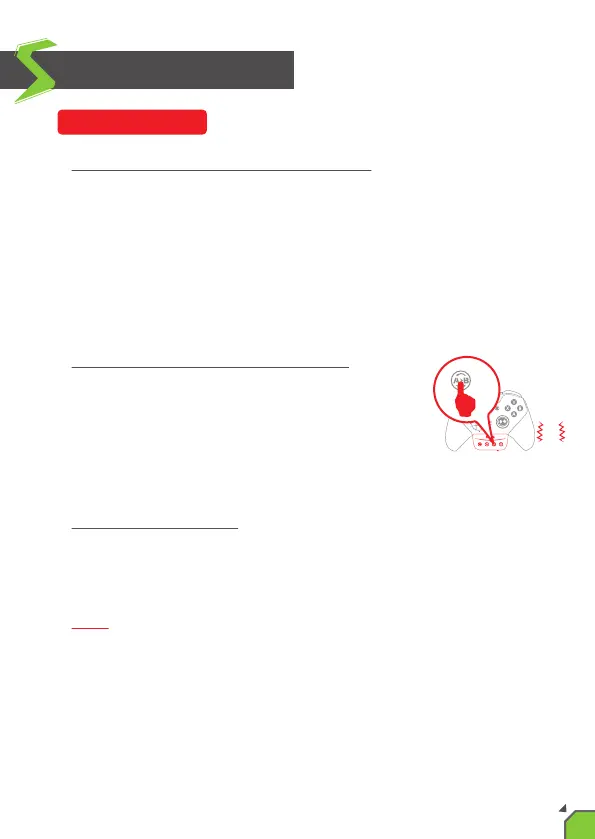
Press and hold the “Remap buon” for 2 seconds,
the controller will vibrate 3 mes to cancel all the
sengs.
2s
3
15


 To Next Page