5. Troubleshooting
Troubleshooting Chart User Manual
5. Troubleshooting
This Chapter describes the actions the operator can take to troubleshoot the P-102
Troubleshooting Chart
Use the following troubleshooting chart if you encounter a problem listed in the Problem section of the
chart. If this chart does not help you determine the problem, contact Polycold Systems or Brooks
Automation for further assistance.
If a cover needs to be removed from the P-102, you must perform the facility procedure for Lockout/
Tagout.
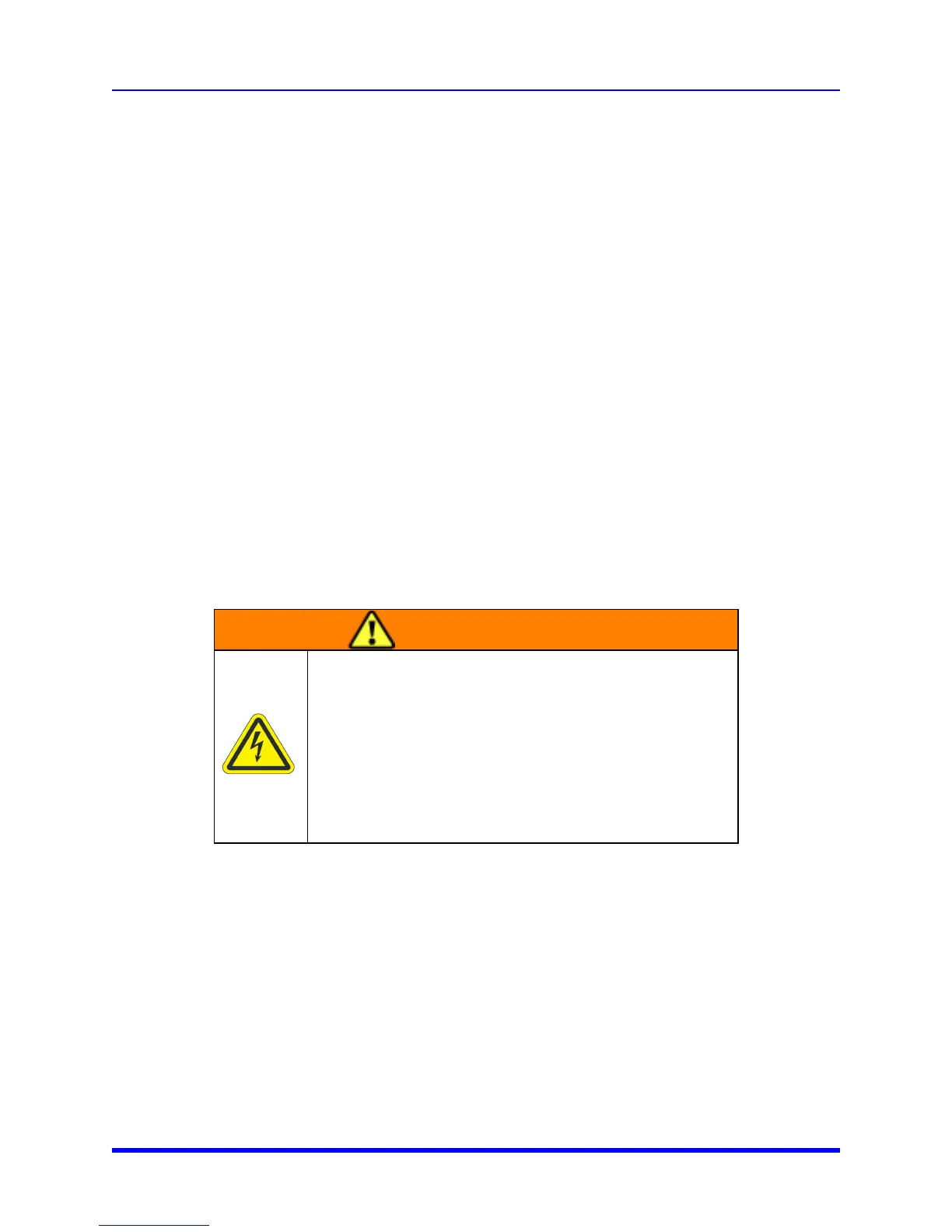
WARNING
Electrical Hazard
The P-102 is a high voltage device. Turn off power and perform
Lockout/Tagout before servicing.
Improper handling of the power source or connecting devices
can cause electrical shock or burns. These can result in serious
injury or death or cause an equipment fire and damage to the
equipment.
Internal parts, including the compressor and condenser become hot during operation. Wait 90 minutes
before you remove any covers from the P-102.
5-29 Brooks Automation



 To Next Page