EasyManua.ls Logo

Brookstone iConvert - Saving and Managing Scanned Images; Saving Scanned Photos; Canceling and Rescanning

Brookstone iConvert
40 pages
Print Icon
To Next Page IconTo Next Page
To Previous Page IconTo Previous Page
Loading...

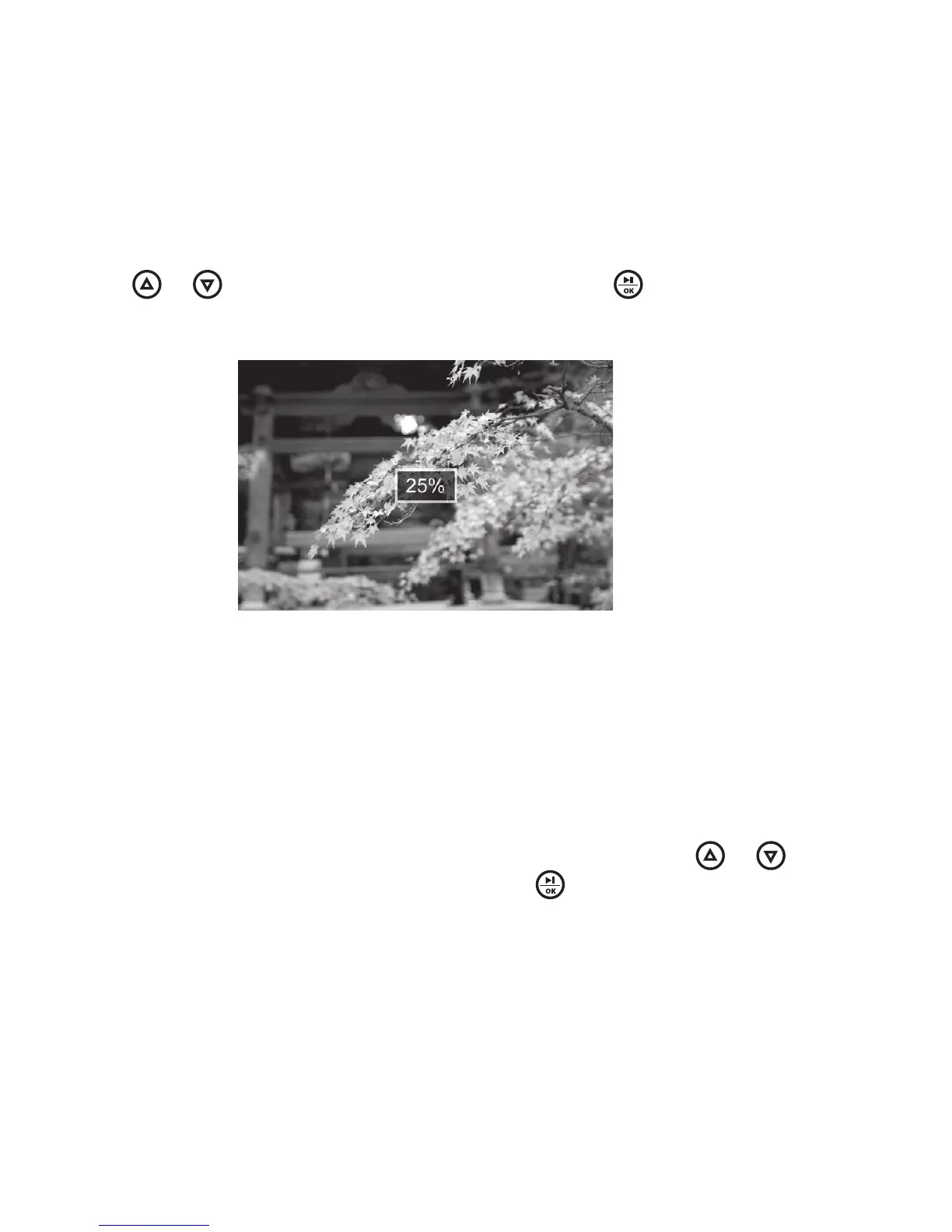
Press or to highlight , then press to save A status
message will appear on the screen to indicate when the photo is saved






To erase the image you just scanned and scan a new photo, press or to
highlight , then press The previously scanned photo
will be erased, and the unit will be ready to scan the next photo
Image showing the
photo being saved
is in progress
13

Other manuals for Brookstone iConvert

Related product manuals