25
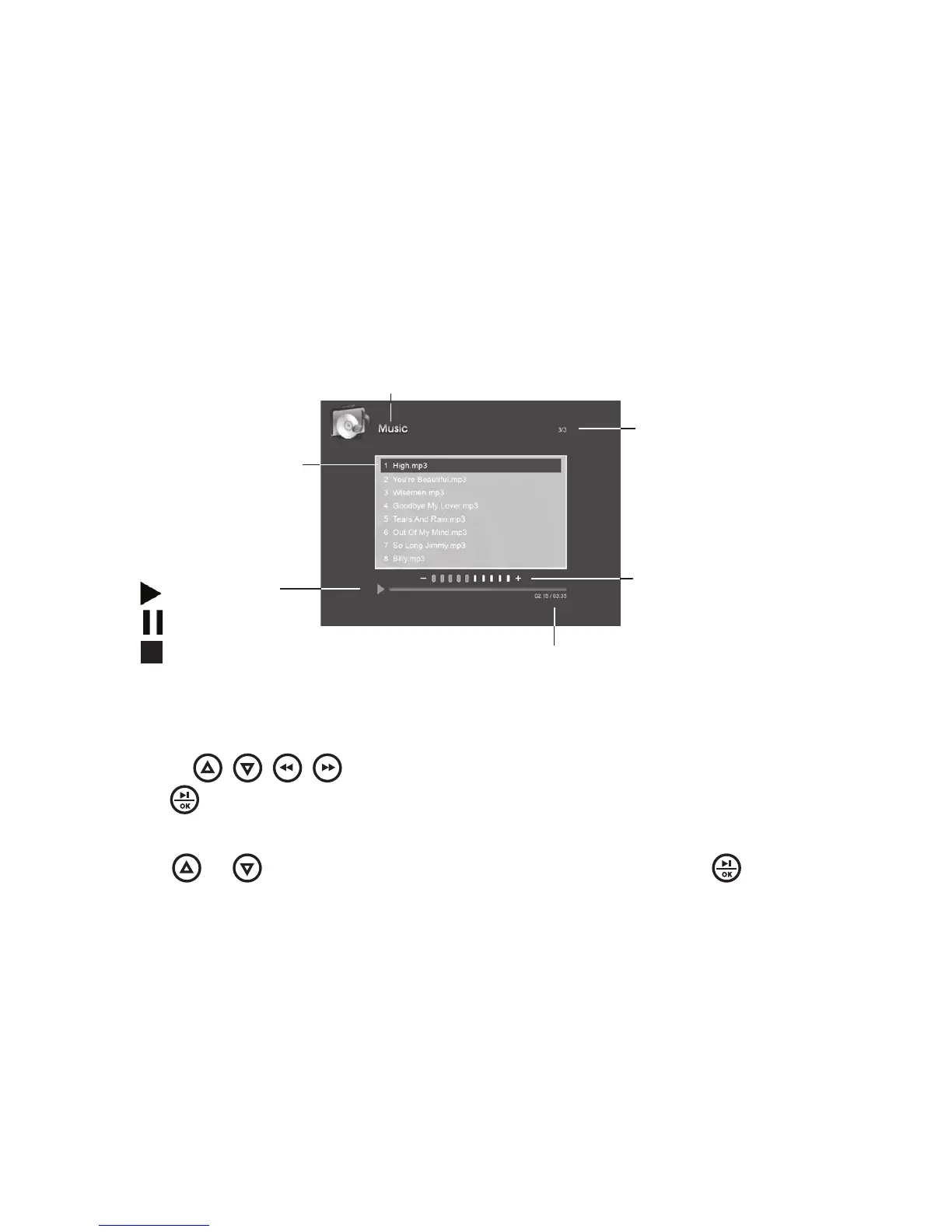
Use the / / / buttons to select the Music under the Main Menu, then
press to enter All the available music files in the selected memory device
will be listed on the screen
Press or to highlight the desired music file, then press to playback
1
2
Supported audio format: MP3
Audio elapsed time/
Audio total time
Selected audio
Current page/
Total pages
Play back status:
Play
Pause
Stop
Volume bar
Current mode



 To Next Page