22
Supported storage format: JPEG
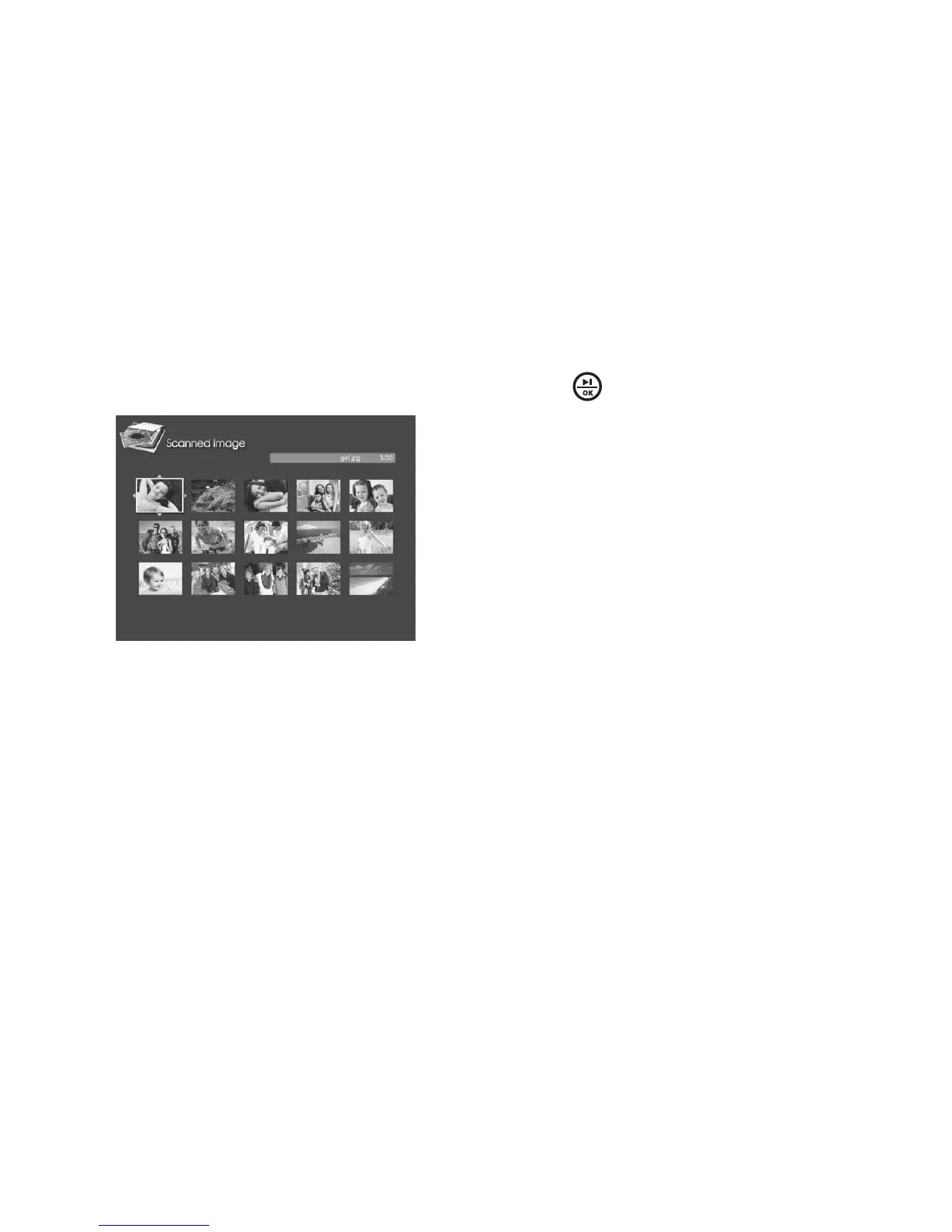
By default, photos that you have scanned are stored in the Scanned Image
folder in the internal memory To browse the scanned photos, select the
Scanned Image from the Main Menu and press to enter
All the scanned photos will be displayed in Thumbnail mode From here you
can view photos individually (in Browse mode) or as a Slideshow Please
refer to the Photo Thumbnail mode (pages 16-18), Photo Browse mode
(pages 20-21) and Photo Slideshow mode (pages 22-23) for details
1
2



 To Next Page