Press or to highlight mode, then press to exit and return
to the Scanned Image mode The last scanned photo will not be saved in the
internal memory
14
This photo frame can play back content from internal and external memory devices
such as USB flash drives, and memory cards (MMC, SD, MS/MS pro, CF type I, and
xD cards) typically used with digital cameras More than one external memory device
can be inserted at the same time However, the photo frame can only select one
memory device at a time for playback of its content
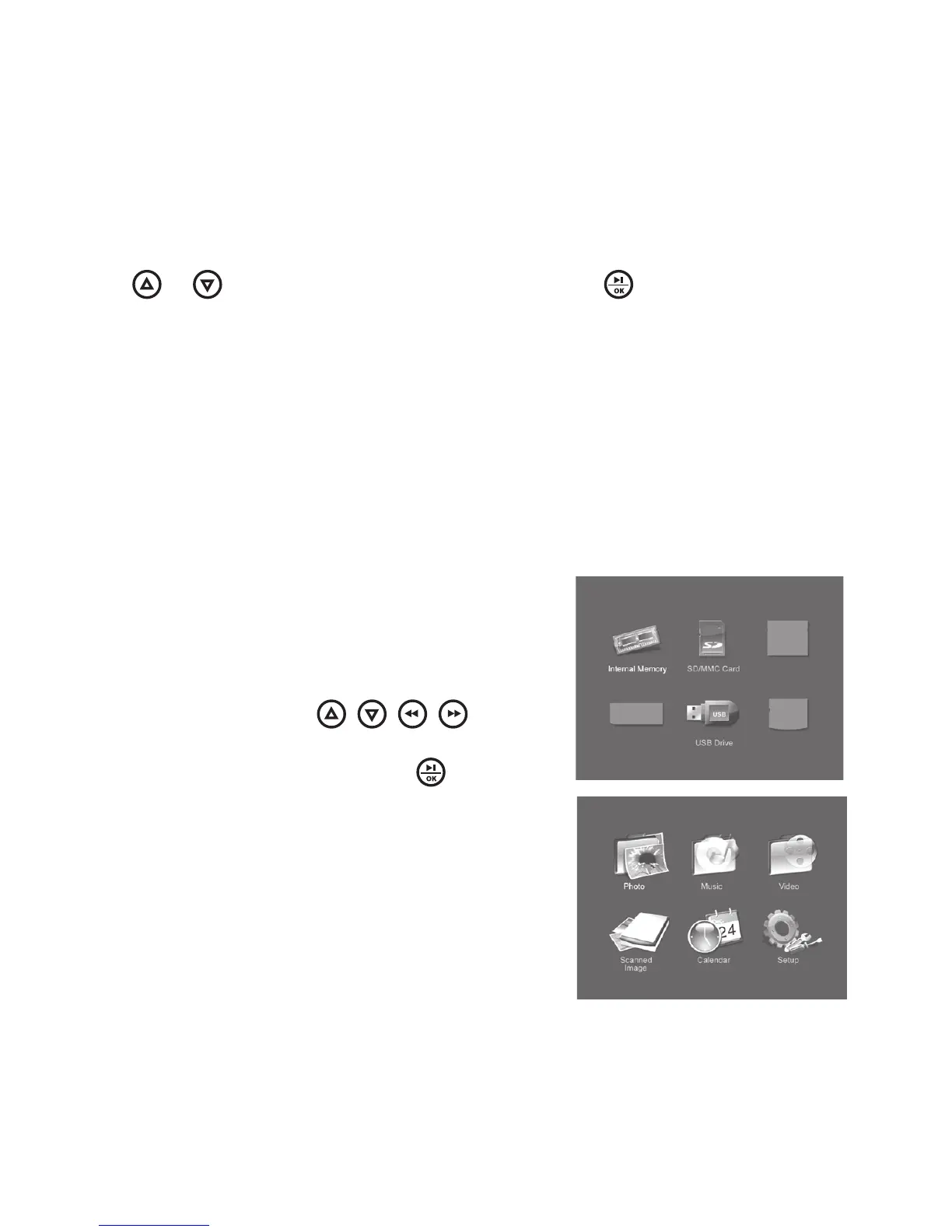
Power on the unit The Device Select
menu will appear on the screen
When a memory device is inserted,
its corresponding icon will light up
(see below) Use the
/ / /
buttons to highlight the desired
storage device, then press /
to enter
After selecting a memory device, the
Main Menu will appear on the screen
(see to the right)
1
2
3



 To Next Page