EasyManua.ls Logo

Brookstone iConvert - Video Mode Menu Options; Calendar and Clock Features; Calendar and Clock Setup

Brookstone iConvert
40 pages
Print Icon
To Next Page IconTo Next Page
To Previous Page IconTo Previous Page
Loading...
28
Press to access the Settings menu When finished, press to exit
 
Copy to This option allows you to copy the selected
video from the current memory device to
other available memory device(s)
Delete To delete the selected video, select Yes
Otherwise choose No to cancel
System Setup Bring up the System Setup menu


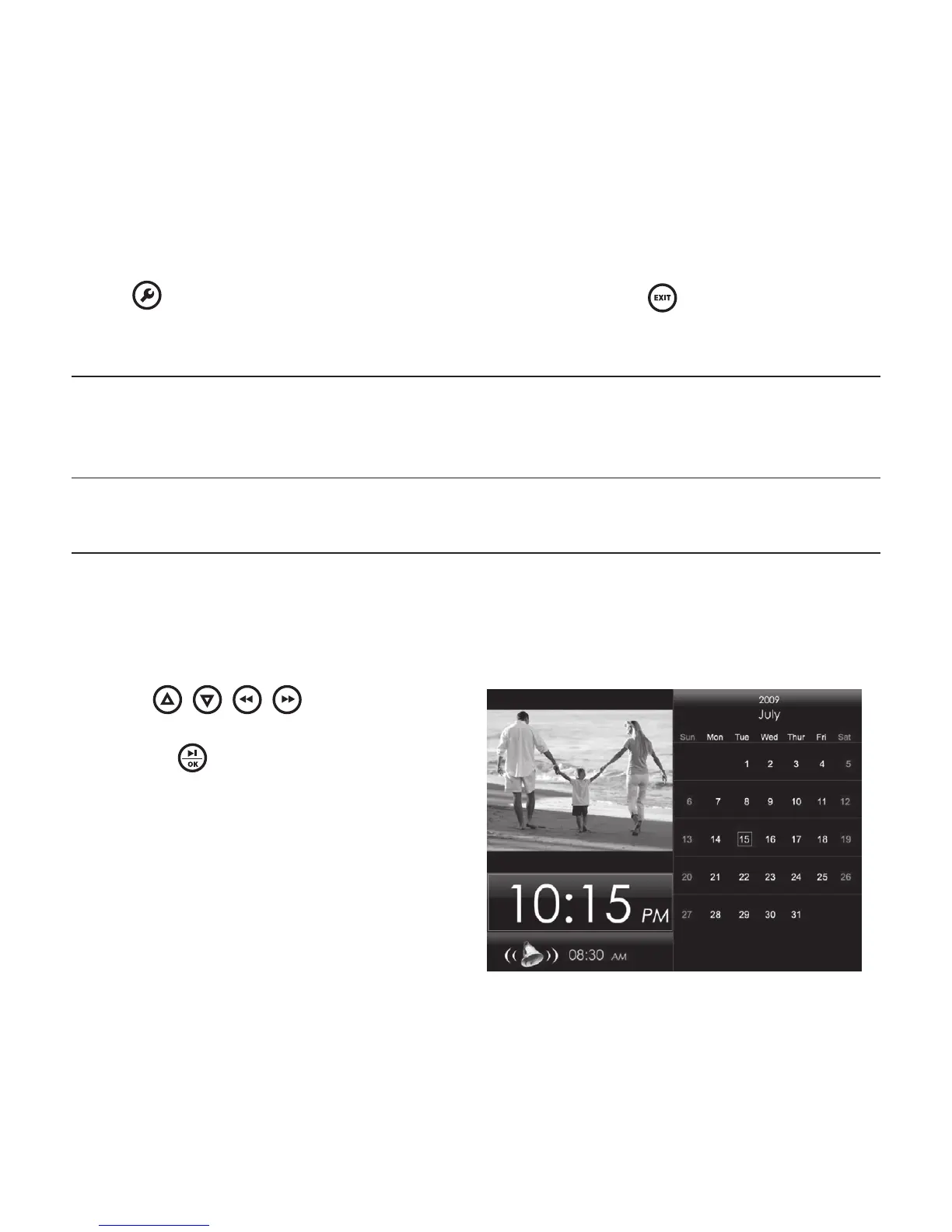
Use the / / / buttons to
select Calendar under the Main Menu,
then press to enter







Other manuals for Brookstone iConvert

Related product manuals