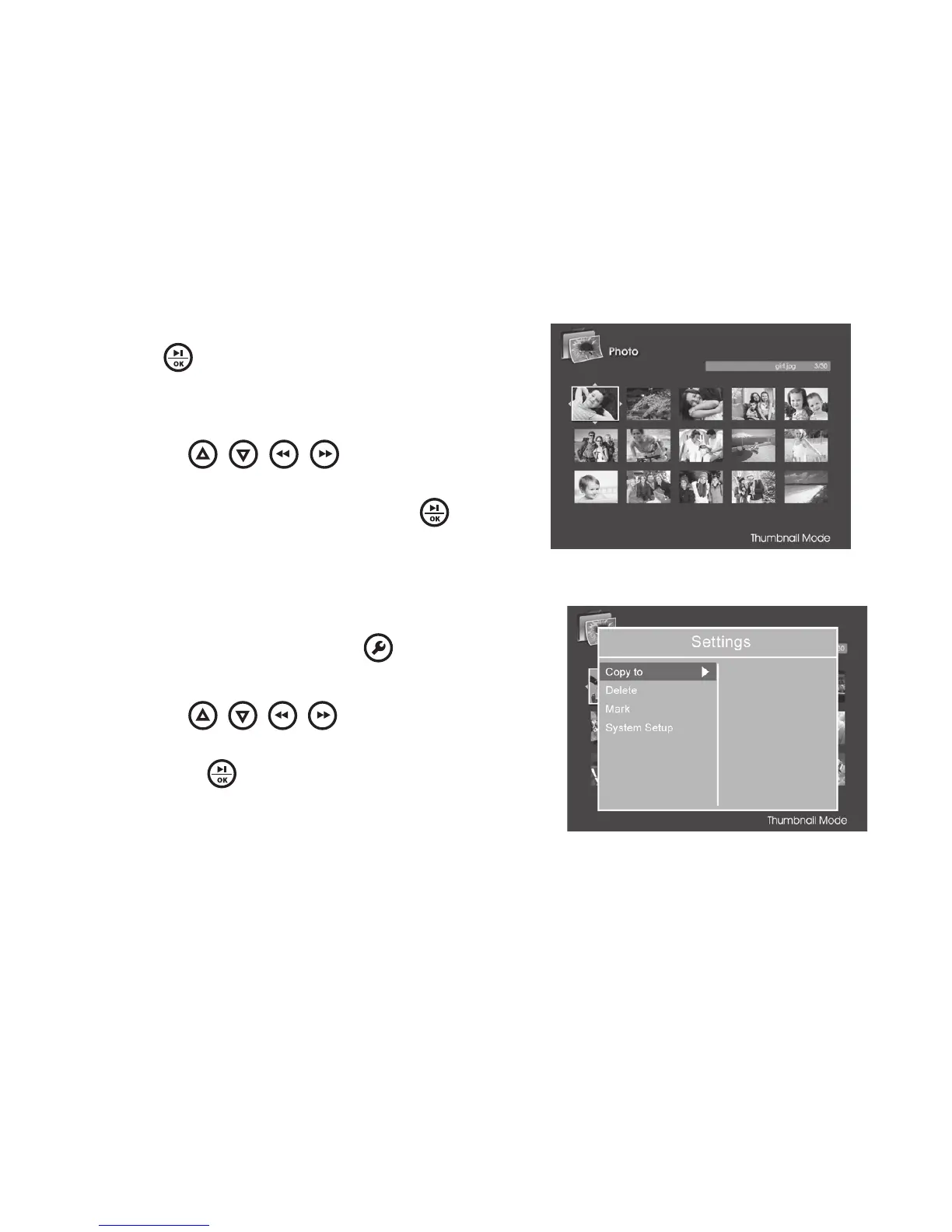
THUMBNAIL MODE
1 From the MAIN MENU, select Photo and
press to enter All photos stored
in the selected storage device will be
displayed via thumbnail mode first
2 Use the
/ / / buttons to
navigate thumbnails Highlight the photo
you would like to view and press to
view it full screen
PHOTO THUMBNAIL MODE SETTINGS
During the thumbnail mode, you may
select a photo then press to access
the Settings menu
2 Use the
/ / / buttons to
browse through available options,
and press to select desired option
(see chart below)
1
15



 To Next Page