20
Supported photo and audio format: JPEG and MP3
Press under any mode to begin a Slideshow
Press to exit Slideshow mode
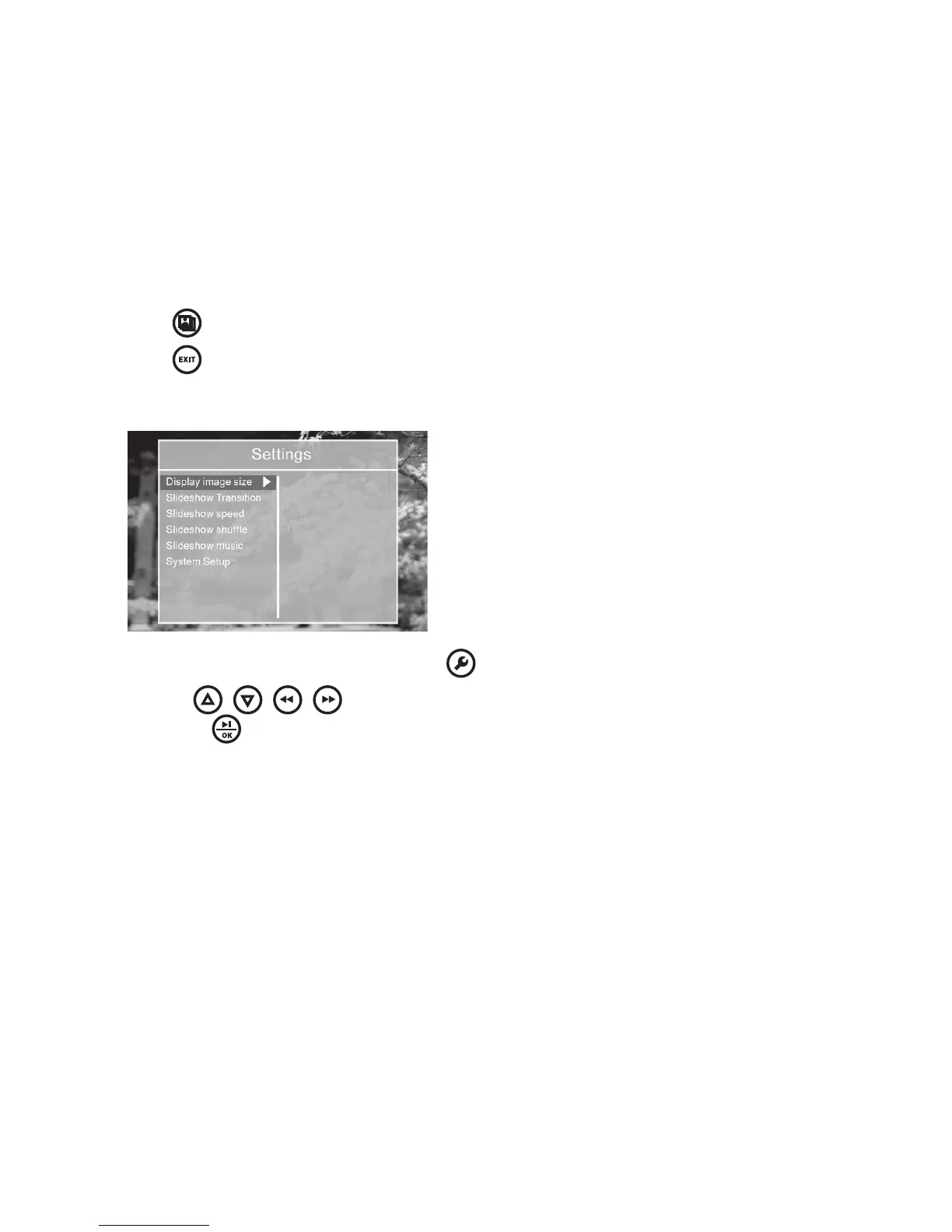
Slideshow settings (see below and on chart on the following page)
During the slideshow mode, press to bring up the Settings menu
Use the
/ / / buttons to browse through available options,
and press to select your choice when highlighted
1
2
1
2



 To Next Page