Printing
33
5
e Tap .
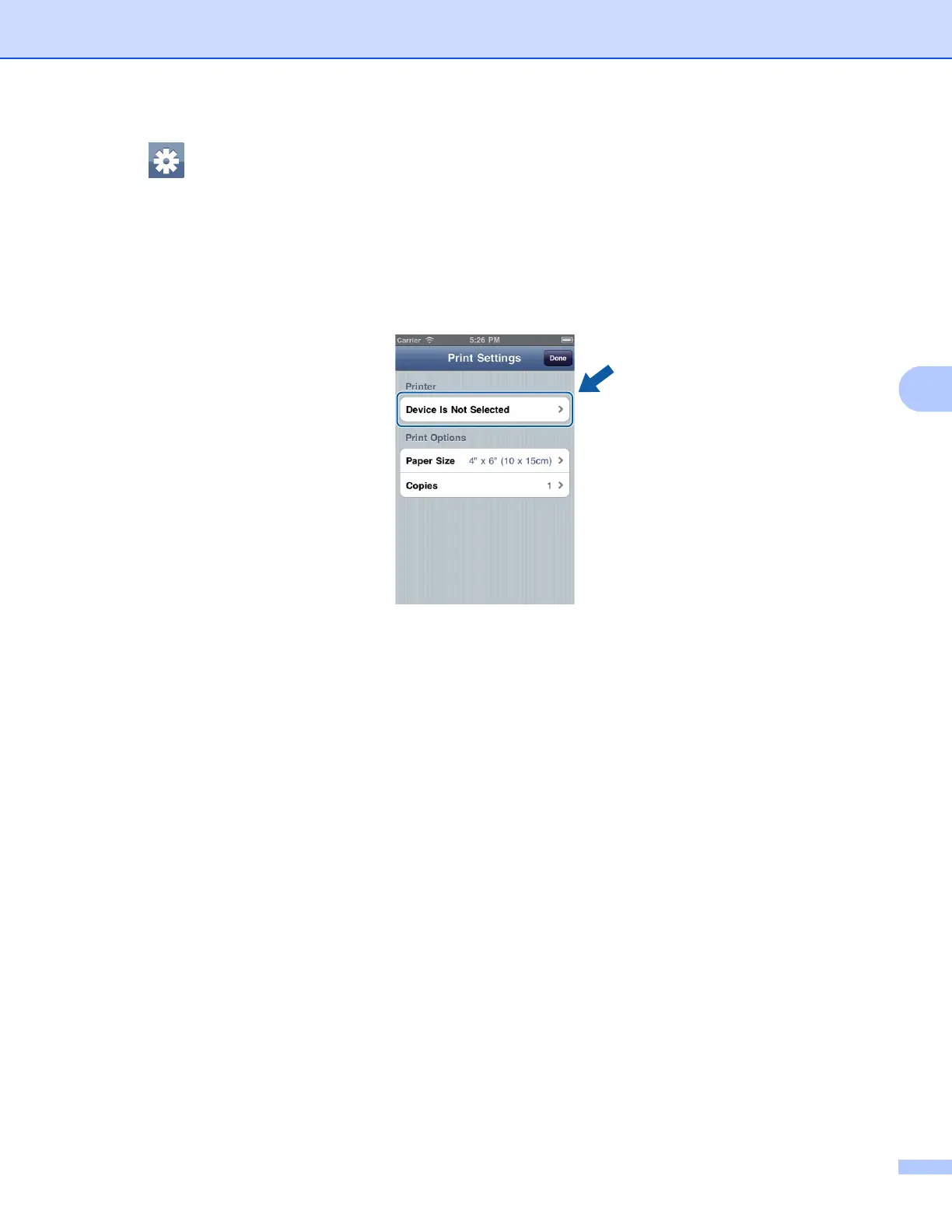
The Print Settings screen appears.
f Make sure your machine is selected.
If a different machine is selected or if Device Is Not Selected is displayed, make sure your machine is
turned on and then tap the displayed printer name or Device Is Not Selected.
g The application will search your network and display a list of available machines. Tap your machine from
the list.
Tap Print Settings.
h Do one of the following:
If you want to change other print settings, see Print Settings uu page 36. After changing the settings,
go to step i.
If you do not want to change any settings, tap Done and then go to step i.
i Tap Print.
The machine will start printing.
(iPhone)
5








 To Next Page