EasyManua.ls Logo

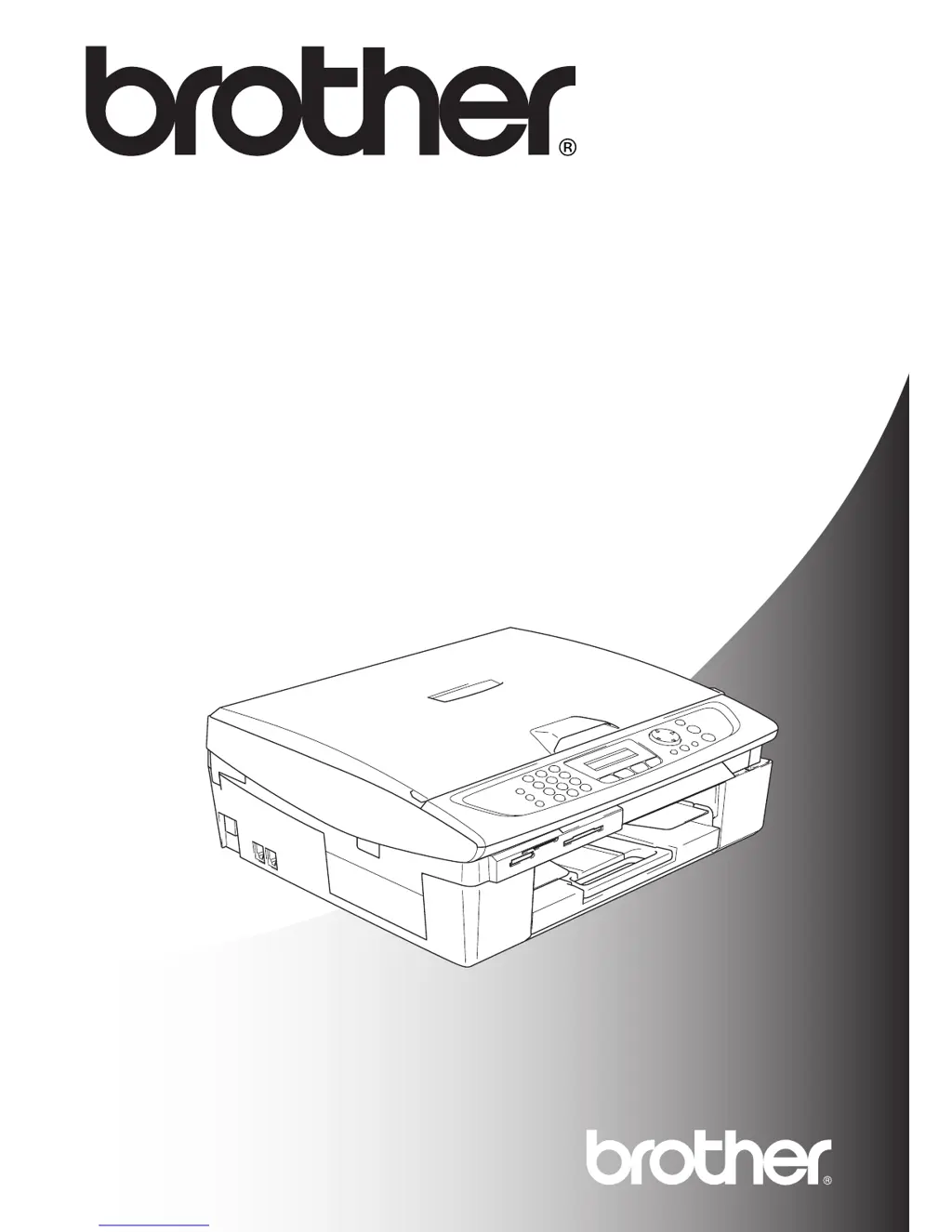
Brother MFC-425CN - User Manual

Brother MFC-425CN
211 pages
Print Icon
To Next Page IconTo Next Page
Loading...
MFC-215C
MFC-425CN
USER’S GUIDE

Table of Contents

Questions and Answers

  • A
    Ashley MeyersSep 8, 2025
    What does 'Media Error' mean on my Brother Fax Machine?
    • A
      ajacksonSep 9, 2025
      If your Brother Fax Machine displays 'Media Error', it means the media card is either corrupted, improperly formatted, or there is a problem with the media card. Re-insert the card firmly into the slot to ensure it is in the correct position. If the error persists, check the media drive by inserting another media card that you know is working.
  • S
    Steven GainesAug 23, 2025
    What to do if my Brother MFC-425CN Fax Machine says 'Comm.Error'?
    • T
      Tricia MerrittAug 23, 2025
      If your Brother Fax Machine displays a 'Comm.Error' message, it indicates that poor phone line quality caused a communication error. Try the call again. If the problem persists, contact your telephone company and ask them to check your phone line.
  • T
    Trevor Knox DDSAug 25, 2025
    What to do if my Brother MFC-425CN says 'Out of Memory'?
    • L
      lopezangelaAug 26, 2025
      If your Brother Fax Machine displays an 'Out of Memory' message, it means the machine’s memory is full. If you are sending a fax or copying, press Stop/Exit and wait until the other operations in progress finish, and then try again. For MFC-425CN models, you can clear the data in the memory or turn off Fax Storage. Alternatively, print the faxes that are in the memory (MFC-425CN only). If you are printing, reduce the print resolution.
  • M
    Melissa MyersAug 27, 2025
    What to do if my Brother Fax Machine says 'Ink Empty'?
    • M
      Michael MurphyAug 27, 2025
      If your Brother Fax Machine displays 'Ink Empty', one or more of the ink cartridges is empty, and the machine will stop all print operations. Replace the ink cartridges.
  • J
    James WilsonAug 27, 2025
    What to do if my Brother MFC-425CN Fax Machine displays 'Cover is Open'?
    • T
      tschwartzAug 28, 2025
      If your Brother Fax Machine displays 'Cover is Open', the scanner cover is not closed completely. Lift the scanner cover and then close it again.
  • A
    andersonjasmineSep 22, 2025
    What does 'Connection Fail' mean on my Brother MFC-425CN?
    • K
      Kelly ShieldsSep 22, 2025
      You tried to poll a fax machine that is not in Polled Waiting mode. Check the other fax machine’s polling setup.
  • J
    Jessica WillisSep 16, 2025
    How to fix 'Cover is Open' error on Brother MFC-425CN?
    • S
      schneiderjamesSep 16, 2025
      The scanner cover is not completely closed. Lift the scanner cover and close it again.
  • A
    Andrea BarronSep 18, 2025
    What to do if Brother Fax Machine shows High Temperature error?
    • E
      Erica HodgeSep 18, 2025
      The print head is too warm. Allow the Brother Fax Machine to cool down.
  • M
    Marcia TurnerSep 7, 2025
    Why does my Brother MFC-425CN Fax Machine say 'Not Registered'?
    • E
      Ethan RodriguezSep 7, 2025
      If your Brother Fax Machine displays 'Not Registered', it means you tried to access a Speed Dial number that is not programmed. Set up the Speed Dial number.
  • R
    Ronald JacobsSep 4, 2025
    What does 'Disconnected' mean on my Brother MFC-425CN?
    • A
      agrahamSep 4, 2025
      If your Brother Fax Machine displays 'Disconnected', it means the other person or the other person’s fax machine stopped the call. Try to send or receive again.

Brother MFC-425CN Specifications

General IconGeneral
BrandBrother
ModelMFC-425CN
CategoryFax Machine
LanguageEnglish

Related product manuals