EasyManua.ls Logo

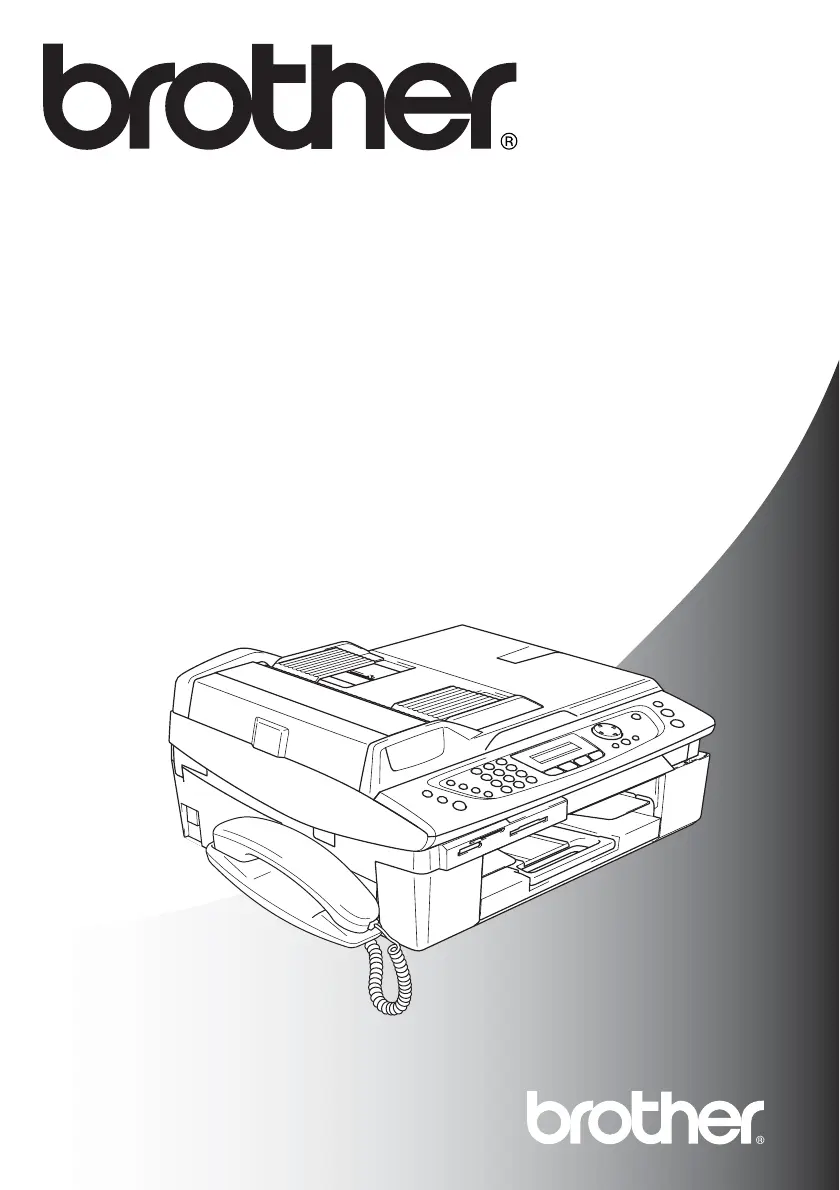
Brother MFC-640CW - User Manual

Brother MFC-640CW
235 pages
Print Icon
To Next Page IconTo Next Page
Loading...
MFC-640CW
USER’S GUIDE
Version A

Table of Contents

Other manuals for Brother MFC-640CW

Questions and Answers

  • K
    Kenneth LeeSep 23, 2025
    What to do if my Brother MFC-640CW shows 'Comm.Error'?
    • L
      Lauren MortonSep 23, 2025
      A 'Comm.Error' on your Brother Fax Machine typically indicates that poor phone line quality is causing communication issues. Try your call again. If the problem persists, contact your telephone company and request that they check your phone line.
  • S
    Steve CruzAug 25, 2025
    Why does my Brother MFC-640CW say Comm.Error?
    • D
      David MorrisAug 25, 2025
      A communication error occurred due to poor phone line quality. Try the call again. If it continues, contact the telephone company to check your phone line.
  • C
    Connie AllenAug 25, 2025
    What to do if my Brother Fax Machine shows High Temperature?
    • J
      Julie SmithAug 26, 2025
      The print head is too warm. Allow the Brother Fax Machine to cool down.
  • M
    Mark RayAug 27, 2025
    How to fix 'Ink Empty' error on Brother MFC-640CW Fax Machine?
    • K
      Kara BeckAug 27, 2025
      One or more of the ink cartridges is empty. Replace the ink cartridges.
  • K
    Kristin PachecoSep 23, 2025
    Why does my Brother MFC-640CW say 'Connection Fail'?
    • J
      Jodi WoodSep 23, 2025
      If your Brother Fax Machine displays 'Connection Fail', it means you attempted to poll a fax machine that wasn't in Polled Waiting mode. Please verify the polling setup of the other fax machine.
  • K
    Karen GordonSep 13, 2025
    What does low temperature mean on Brother MFC-640CW Fax Machine?
    • M
      Monica KingSep 13, 2025
      If your Brother Fax Machine displays 'Low Temperature', it means the print head is too cold. Allow the machine to warm up.
  • R
    Russell RamirezSep 12, 2025
    What does DR Mode in Use mean on Brother Fax Machine?
    • A
      Amy RandallSep 12, 2025
      If your Brother Fax Machine displays 'DR Mode in Use', it means the machine is set to Distinctive Ring mode, preventing you from changing the Receive Mode from Manual to another mode. Set Distinctive Ring to Off.
  • J
    jamesmariaSep 12, 2025
    What does high temperature mean on Brother MFC-640CW Fax Machine?
    • R
      Robert HayesSep 12, 2025
      If your Brother Fax Machine displays 'High Temperature', it means the print head is too warm. Allow the machine to cool down.
  • C
    Cynthia HancockSep 4, 2025
    What does near empty mean on my Brother MFC-640CW?
    • B
      Brandon MillerSep 4, 2025
      If your Brother Fax Machine displays 'Near Empty', it means one or more of the ink cartridges are running out of ink. Order a new ink cartridge.
  • M
    Melissa SmithSep 2, 2025
    What to do if my Brother Fax Machine says wrong paper size?
    • L
      Lisa RobertsSep 2, 2025
      If your Brother Fax Machine displays 'Wrong Paper Size', it indicates that the loaded paper is not the correct size. Reload the correct size of paper (Letter, Legal or A4), and then press Black Start or Color Start.

Brother MFC-640CW Specifications

General IconGeneral
BrandBrother
ModelMFC-640CW
CategoryFax Machine
LanguageEnglish

Related product manuals