EasyManua.ls Logo

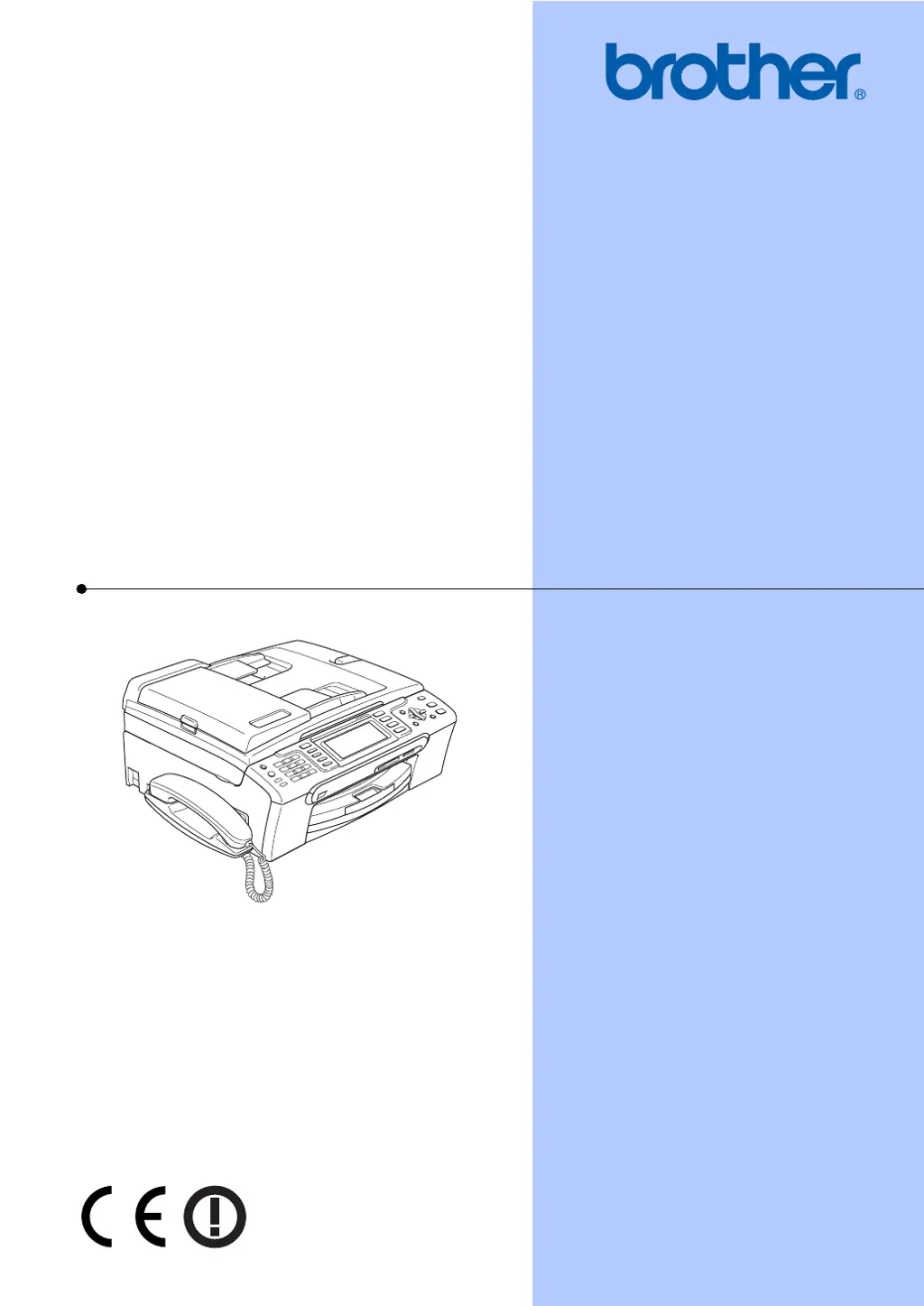
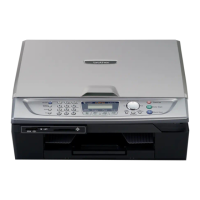
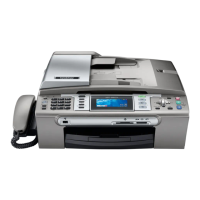
Brother MFC-680CN - User Manual

Brother MFC-680CN
203 pages
Print Icon
To Next Page IconTo Next Page
Loading...
USER’S GUIDE
MFC-680CN
MFC-885CW

Table of Contents

Questions and Answers

  • L
    Lucas OdonnellAug 21, 2025
    What to do if print job is not printed on Brother Print Server?
    • M
      Marissa SchwartzAug 21, 2025
      If a print job is not being printed, ensure the machine is powered on, online, and ready. A mismatched or duplicate IP address could also be the cause; print the Network Configuration List to check the IP address settings. You can also try pinging the print server from the host operating system command prompt. If all else fails, reset the print server back to the default factory settings and try the initial setup again.
  • L
    lawsonemilyAug 30, 2025
    What to do if CD-ROM with Brother Print Server software does not start automatically?
    • M
      Marc PrestonAug 30, 2025
      If the CD-ROM doesn't start automatically, execute setup.exe in the root directory of the CD-ROM.
  • T
    thompsonpatrickNov 9, 2025
    Why is my Brother Print Server not found during setup?
    • U
      ucarterNov 9, 2025
      The Brother print server might not be found due to several reasons. Ensure you've configured the IP address settings as described in Chapter 2 of the User’s Guide before installing the network print software or printer driver. Verify the machine is powered on, online, and ready. Check if the LCD displays 'LAN Active' after connecting to the network. Mismatched or duplicate IP addresses can also cause this; print the Network Configuration List to check the IP address settings. You can also try pinging the print server from the command prompt. As a last resort, reset the print server to factory defaults and try the initial setup again. Also, the Firewall on your computer may be blocking the necessary network connection to the machine, so disable the Firewall on your computer and reinstall th...

Brother MFC-680CN Specifications

General IconGeneral
BrandBrother
ModelMFC-680CN
CategoryFax Machine
LanguageEnglish

Related product manuals