EasyManua.ls Logo

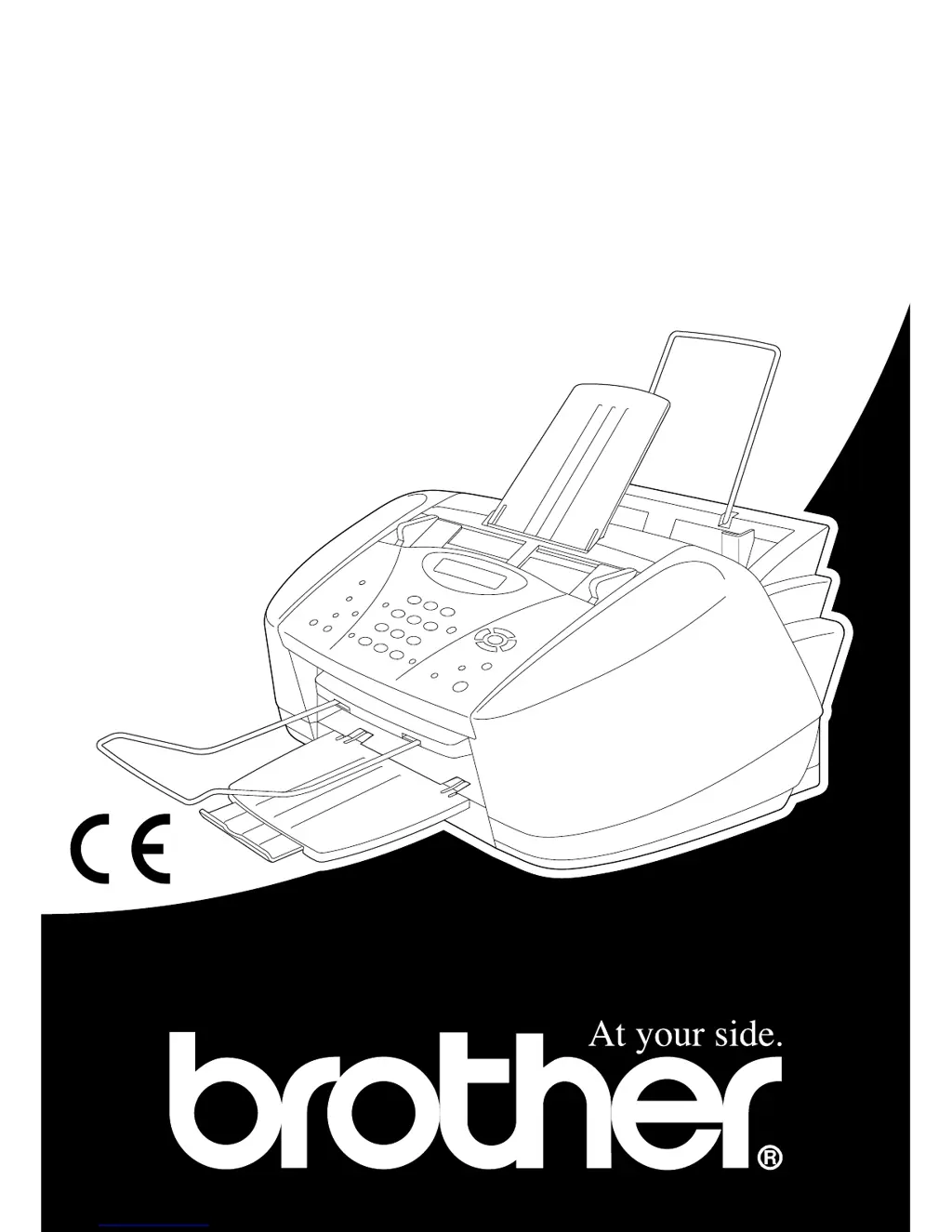
Brother MFC-580 - User Manual

Brother MFC-580
156 pages
Print Icon
To Next Page IconTo Next Page
Loading...
MFC-580
OWNER’S MANUAL

Table of Contents

Other manuals for Brother MFC-580

Questions and Answers

  • D
    Daniel HayesSep 17, 2025
    Why is dialling not working on my Brother MFC-580 Fax Machine?
    • J
      jacob76Sep 18, 2025
      If your Brother Fax Machine is not dialling, check for a dial tone. Change TONE/PULSE setting. Check all line cord connections. Check power cord connection. Send a manual fax by lifting the external telephone’s handset, and dialling the number. Wait to hear fax receiving tones before pressing Mono Fax Start.
  • B
    brandonparrishAug 25, 2025
    Why is my Brother MFC-580 not answering calls?
    • P
      perezmichelleAug 25, 2025
      If the Brother Fax Machine is not answering when called, make sure the machine is not in MANUAL mode. Check for a dial tone. If possible, call the machine to hear it answer. If there is still no answer, check the telephone line cord connection. If there is no ringing when you call the machine, call your Telephone Company to check the line.
  • L
    lwallerAug 25, 2025
    Why does my Brother Fax Machine display 'COMM.ERROR'?
    • A
      Amanda SanfordAug 26, 2025
      If your Brother Fax Machine displays 'COMM.ERROR', it indicates that poor phone line quality caused a communication error. Try the call again. If the problem continues, call your Telephone Company to check your phone line.
  • S
    Shelly CarterAug 26, 2025
    How to fix 'CHECK CARTRIDGE' on Brother MFC-580?
    • S
      Shawn ReedAug 26, 2025
      If your Brother Fax Machine shows 'CHECK CARTRIDGE', it means an ink cartridge is not installed properly. Re-install the ink, seating it properly.
  • D
    danielledavisSep 18, 2025
    Why does my Brother MFC-580 Fax Machine print received colour faxes only in B & W?
    • G
      Gary FloresSep 18, 2025
      If your Brother Fax Machine is receiving colour faxes and printing only in B & W, replace the colour ink cartridges that are empty or nearly empty, and then ask the other party to send the colour fax again.
  • W
    William CoxSep 23, 2025
    How to fix cut off left and right margins on Brother MFC-580 Fax Machine?
    • M
      Marc DickersonSep 23, 2025
      If the left and right margins are cut off on your Brother Fax Machine, turn on Auto Reduction.
  • J
    johnsonwillieSep 9, 2025
    What to do if my Brother Fax Machine displays 'HIGH TEMPERATURE'?
    • S
      Susan HowellSep 9, 2025
      If your Brother Fax Machine displays 'HIGH TEMPERATURE', the print head detects high temperature. Use the machine at the cool room or cool your room.
  • S
    Shawn GraySep 10, 2025
    What to do if my Brother MFC-580 displays 'LOW TEMPERATURE'?
    • R
      Robin ShepardSep 10, 2025
      If your Brother Fax Machine displays 'LOW TEMPERATURE', the print head detects low temperature. Use the machine at the warm room or warm your room.
  • D
    Dennis HooperSep 3, 2025
    What does 'DISCONNECTED' mean on Brother MFC-580?
    • J
      John LeSep 3, 2025
      If your Brother Fax Machine displays 'DISCONNECTED', the other party or the other party’s fax machine terminated the call. Try to transmit, calling the other party to see what happened or receive again.
  • A
    Ana LunaSep 1, 2025
    How to fix 'COVER OPEN' error on Brother MFC-580 Fax Machine?
    • M
      Michael LarsenSep 1, 2025
      If your Brother Fax Machine displays 'COVER OPEN', the control panel cover or top cover is not closed completely. Open, then close the covers.

Brother MFC-580 Specifications

General IconGeneral
BrandBrother
ModelMFC-580
CategoryFax Machine
LanguageEnglish

Related product manuals