Chapter 1
10
Basic Operations 1
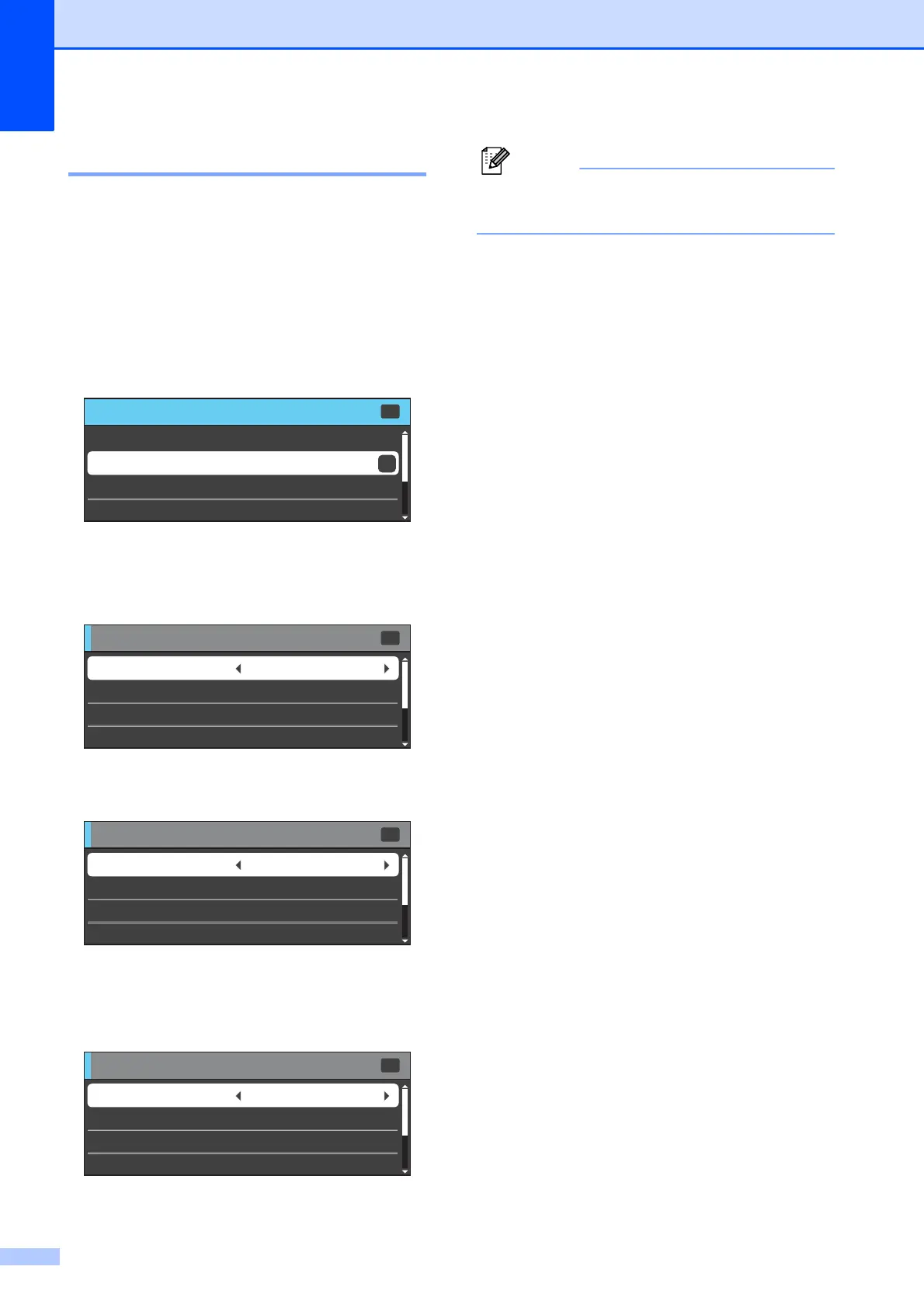
The following steps show how to change a
setting in the machine. In this example the
Mode Timer setting is changed from
2 minutes to 30 seconds.
a Press Menu.
b Press a or b to choose
General Setup.
Press OK.
c Press a or b to choose Mode Timer.
d Press d or c to choose 30Secs.
Press OK.
You can see the current setting on the
LCD:
Press Clear to go back to the previous
level.
e Press Stop/Exit.
MENU
MENU
Ink
OK
OK
General Setup
Fax
Network
Select & Press
General Setup
General Setup
Mode Timer 2Mins
Tray Setting
Select & Press
Volume
Auto Daylight
OK
Off
General Setup
General Setup
Mode Timer 30Secs
Tray Setting
Select & Press
Volume
Auto Daylight
OK
Off
General Setup
General Setup
Mode Timer 30Secs
Tray Setting
Select & Press
Volume
Auto Daylight
OK
Off



 To Next Page
 Loading...











