EasyManua.ls Logo

Brother MFC-J6920DW - User Manual

Brother MFC-J6920DW
223 pages
Print Icon
To Next Page IconTo Next Page
Loading...
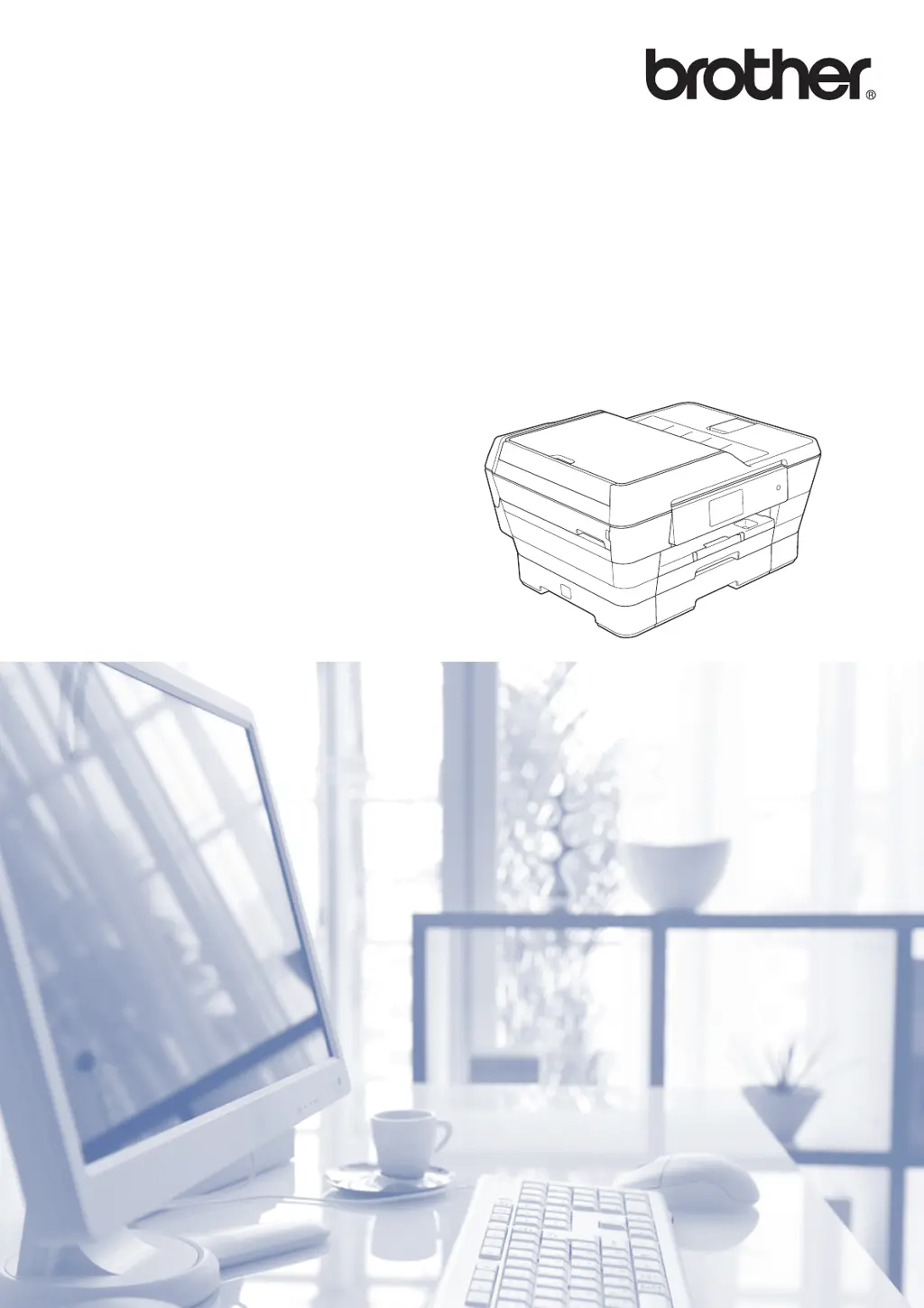
Basic User’s Guide
MFC-J6920DW
Version A
USA/CAN

Table of Contents

Other manuals for Brother MFC-J6920DW

Questions and Answers

  • M
    Mrs. Hayley NortonAug 20, 2025
    Why does my Brother MFC-J6920DW All in One Printer only print in B&W 1-sided and say 'Replace ink'?
    • J
      Jennifer ByrdAug 20, 2025
      If your Brother All in One Printer is only printing in black and white on one side and indicates 'Replace ink', it's likely because one or more of the color ink cartridges have reached the end of their life. The solution is to replace the ink cartridges.
  • H
    Hunter MartinAug 22, 2025
    How to fix network connection failed on Brother MFC-J6920DW All in One Printer?
    • S
      Sarah ThompsonAug 22, 2025
      If your Brother MFC-J6920DW All in One Printer fails to connect to the network, first verify that the network connection is working correctly. If you pressed the Web button shortly after turning on the printer, the network connection might not have been established yet. In this case, wait a moment and try again.
  • R
    Richard PattersonAug 25, 2025
    How to fix network connection failed on Brother MFC-J6520DW/J6720DW All in One Printer?
    • P
      Patricia ThomasAug 25, 2025
      If your Brother MFC-J6520DW/J6720DW All in One Printer fails to connect to the network, first verify that the network connection is working correctly. If you pressed the Web button shortly after turning on the printer, the network connection might not have been established yet. In this case, wait a moment and try again.
  • A
    amber88Aug 26, 2025
    Why is my Brother MFC-J6920DW printing B&W 1-sided and asking to replace ink?
    • E
      Eric DuarteAug 27, 2025
      If your Brother All in One Printer is only printing in black and white on one side and prompting you to replace the ink, it means one or more of the color ink cartridges have reached the end of their life. Replacing the ink cartridges should resolve this issue.
  • U
    uaveryAug 27, 2025
    What to do if my Brother MFC-J6920DW cannot detect the new ink cartridge?
    • M
      Michael Black IIAug 27, 2025
      If your Brother All in One Printer cannot detect the new ink cartridge, there are a few possible reasons: * You may have installed the new ink cartridge too quickly. Try taking out the new ink cartridge and re-installing it slowly and firmly until the cartridge lever lifts. * If you are using non Brother Original ink, the machine may not detect the ink cartridge. Replace the cartridge with a Brother Original ink cartridge. If the error message remains, contact Brother customer service or your local Brother dealer. * An ink cartridge is not installed correctly.
  • T
    Tanya AustinAug 29, 2025
    Why does my Brother MFC-J6920DW All in One Printer say 'Connection failed to server'?
    • E
      ejamesAug 29, 2025
      A 'Connection failed to server' error on your Brother All in One Printer can occur if the network or server settings are incorrect, or if there's a problem with the network or server itself. To resolve this, confirm that your network settings are correct. If the issue persists, wait and try again later. Also, if the Web button was pressed soon after turning on the printer, the network connection might not be established yet, so waiting and trying again may help.
  • S
    Scott CarsonAug 31, 2025
    What to do if my Brother MFC-J6920DW displays 'Server Error 01 Authentication is invalid'?
    • J
      Jill Cook MDSep 1, 2025
      If your Brother All in One Printer displays 'Server Error 01 Authentication is invalid', it means the machine’s authentication information (needed to access the service) has expired or is invalid. To fix this, apply for Brother Web Connect access again to receive a new temporary ID, and then use the new ID to register the account to the machine.
  • T
    teresa61Sep 2, 2025
    What does 'Server Error 03 Failed to upload' mean on my Brother MFC-J6920DW All in One Printer?
    • M
      Mrs. April BenjaminSep 2, 2025
      If your Brother All in One Printer displays 'Server Error 03 Failed to upload. Unsupported file or corrupt data', it indicates a problem with the file you're trying to upload. This could be due to several reasons: * The file exceeds the service’s limit on number of pixels or file size. * The file type is not supported. * The file is corrupted. To resolve this, check the service's size or format restrictions, save the file as a different type, or try to obtain a new, uncorrupted version of the file.
  • T
    Timothy BrooksSep 4, 2025
    What does 'Connection Error 07 Connection failed to server' mean on my Brother MFC-J6920DW?
    • J
      Jamie TorresSep 4, 2025
      If your Brother All in One Printer shows 'Connection Error 07 Connection failed to server', it means the date and time settings are incorrect. Set the correct date and time on your printer. Keep in mind that if the printer’s power cord is disconnected, the date and time settings may reset to factory settings.
  • O
    oaustinSep 6, 2025
    What does 'Server Error 13 Service temporarily unavailable' mean on my Brother MFC-J6920DW?
    • M
      mayerrobertSep 6, 2025
      If your Brother All in One Printer displays 'Server Error 13 Service temporarily unavailable', it indicates a problem with the service, making it currently unusable. The suggested solution is to wait and try again later. If the message persists, try accessing the service from a computer to confirm if it is indeed unavailable.

Summary

Customer Service and Product Registration

Product Registration

Describes the online product registration process for your device.

Brother Support and Information

FAQs and Customer Service

Information resource for common queries and direct support contact.

Service Centers and Supplies

Ordering Accessories and Supplies

How to purchase replacement parts and consumables for your machine.

Accessories and Supplies Catalog

Notice - Disclaimer of Warranties

Compilation and Publication Notice

Finding User Guides

Chapter 1: General Information

Using the Documentation

Explains how to navigate and effectively use the user manual.

Control Panel Overview

Description of the machine's control panel interface and its components.

Chapter 2: Loading Paper

Loading Paper in Paper Tray #1

Specific steps for loading paper into the machine's primary tray.

Chapter 3: Loading Documents

Using the ADF

Instructions for using the Automatic Document Feeder for scanning.

Brother MFC-J6920DW Specifications

General IconGeneral
Typeall in one
Tray Capacity500
Automatic Document Feeder Capacity35 sheets
Paper Size11" x 17"
Paper Handlingup to 500 sheets
Color Print Speed20 pages per minute
Mono Print Speed22 pages per minute
Print Resolution Monoup to 6000 x 1200
Print Resolution Colorup to 6000 x 1200
Scanner Typeflatbed
Scan Resolutionup to 2400 x 1200
Copier Resolution Monoup to 2400 x 1200
Copier Resolution Colorup to 2400 x 1200
Fax Functionyes
Cartridgeslc103bk/c/m/y
Number Of Cartridges4
Internal Memoryno
Memory Cardyes
Networkwireless
Connectivityusb
OS Compatibilitypc: windows server 2003, server 2003 r2, server 2008, server 2008 r2, server 2012, xp home, xp professional, vista, 7 or 8, mac: os x v10.6x, 10.7x or 10.8x
Mobile Devices Connectionyes
Weight and Dimensions IconWeight and Dimensions
Height21.9 inches
Width17 inches
Net Weight36.4 pounds

Related product manuals