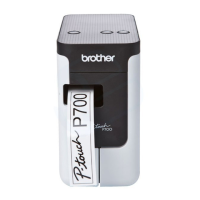
Brother P-touch Utility (for Macintosh)
36
6
Settings Dialog Box 6
1Printer
Displays your printer’s model name.
2 Setting Tabs
Click the tab containing the settings to be specified or changed.
3 Apply
Sends the setting for each item to the printer.
4 Resets the settings to their defaults
Returns all printer settings to their factory defaults.
5 Current
Retrieves the settings from the currently connected printer and displays them in the dialog box.
6Exit
Exits the P-touch Utility.
6
4
3
1
2
5


 To Next Page
 Loading...