APPENDIX —————————————————————————————————————————————————————————
194
3
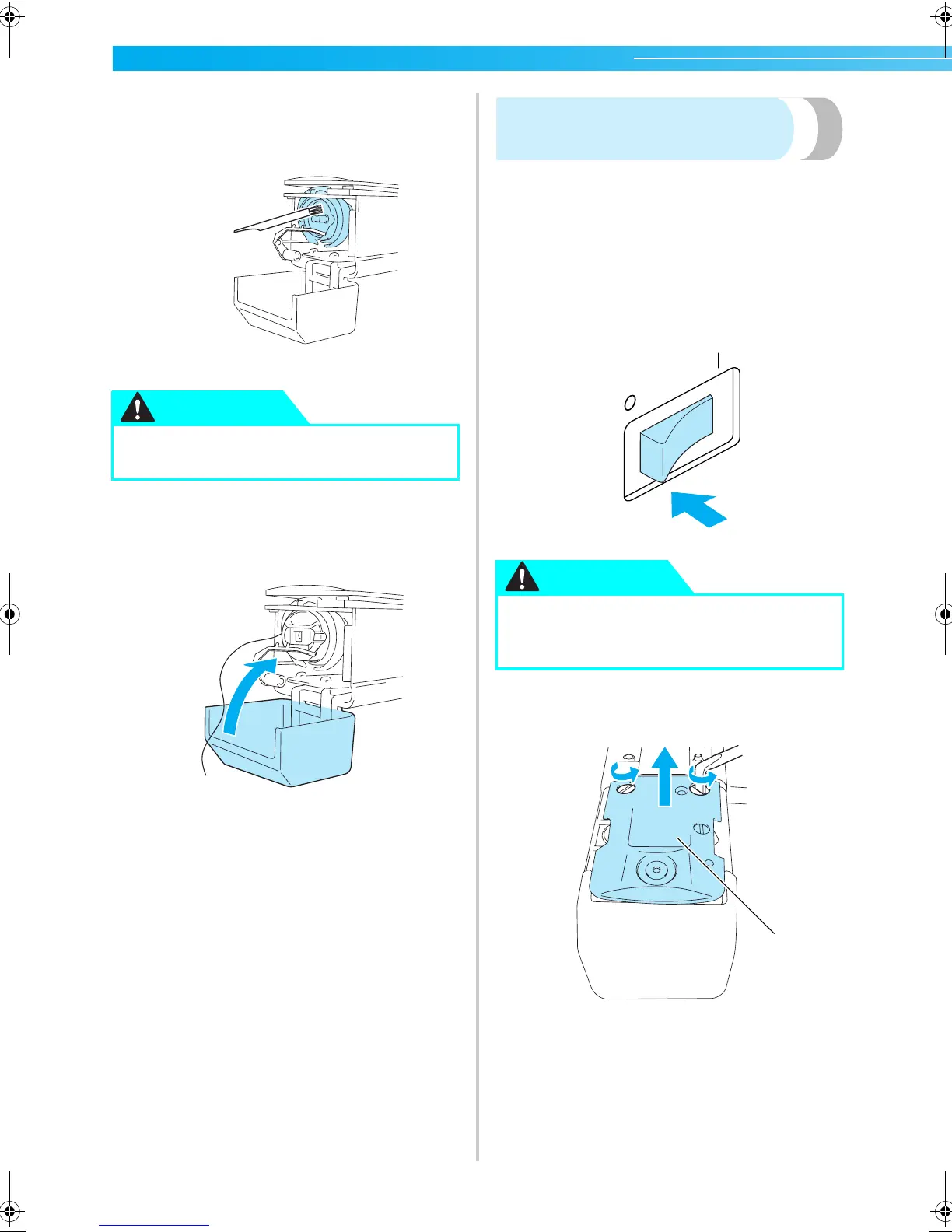
Use the included cleaning brush to remove
any lint and dust from the hook and its
surrounding area.
4
After cleaning is finished, insert the bobbin
case into the hook, and then close the hook
cover. (Refer to page 19.)
Cleaning around the needle
plate
If lint and dust collect around the moving knife, the
fixed knife or the thread retaining plate, the thread
may not be cut correctly or various parts of the
machine may be damaged. Make sure to clean
around the needle plate once a month.
Use on offset screwdriver and the included cleaning
brush.
1
Turn off the embroidery machine.
2
Remove the needle plate.
With an offset screwdriver, loosen the screws,
and then remove the needle plate.
1 Needle plate
● If the hook is scratched or damaged,
consult your authorized dealer.
CAUTION
● Unplug the power supply cord before
cleaning the machine, otherwise injuries
or an electric shock may occur.
CAUTION
1
Sapphire_chapt7.fm Page 194 Friday, November 18, 2005 12:10 PM
















 To Next Page