4
When you change the Paper Type, some settings remain unchanged.
The following settings remain ON:
- Cut Every (1 label)
- Cut at end
The Use Peeler function option remains OFF.
Create and Print Labels
See instructions for various methods of creating and printing linerless labels in the chapters Create Labels
and Print Using Computer or Print Labels Using Mobile Devices in the TD-4420DN/TD-4550DNWB
User’s Guide at support.brother.com/manuals
.
• When you print more than one label, make sure you remove the printed label to allow the next label to
print.
• If roll paper is jammed inside the Label Printer, open the Roll Compartment Cover and gently remove the
paper. DO NOT use force to pull out the paper.
Print Speed and Print Density
The default setting for auto speed configuration is set to OFF and the print speed depends on the model:
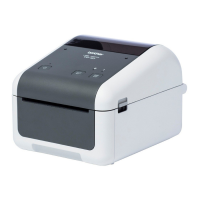
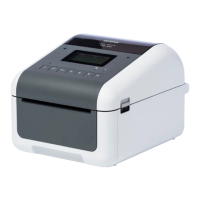
TD-4420DN(FC) is set to 7ips (203dpi) and TD-4550DNWB(FC) is set to 5ips (300dpi).
To adjust the print speed, go to the Printer Setting Tool and select Device Settings > Basic > Print Speed.
If you increase the print speed, the printout may become lighter.



 To Next Page
 Loading...