Home > Create Labels and Print Using Computer > Create Labels Using P-touch Editor (Windows) > Main
Window of P-touch Editor Express Mode (Windows)
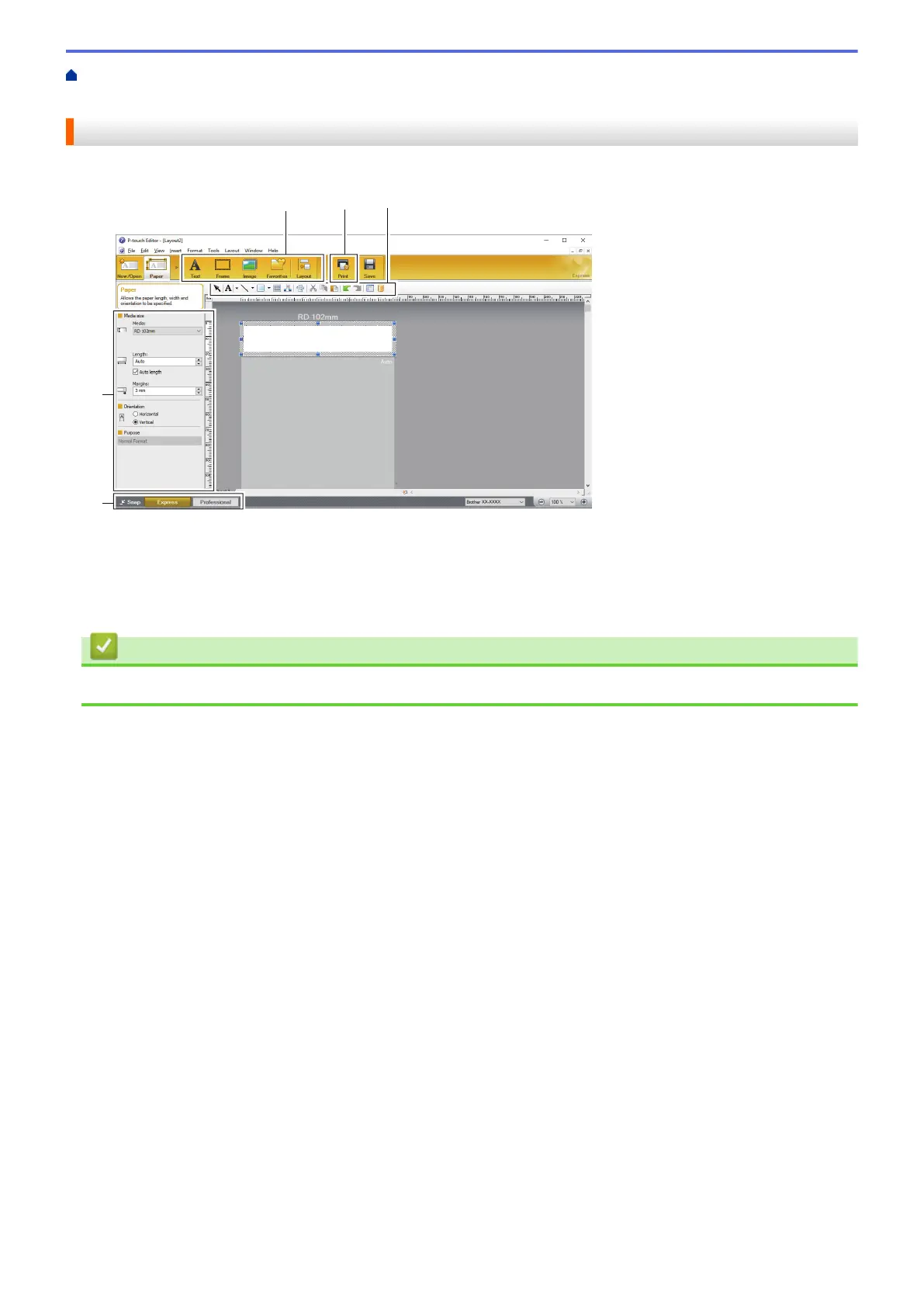
Main Window of P-touch Editor Express Mode (Windows)
Express mode allows you to quickly create layouts including text and images.
1. Edit Toolbars
2. Print Button
3. Operation Mode Selection Buttons
4. Property Palettes
Related Information
• Create Labels Using P-touch Editor (Windows)
26



 To Next Page
 Loading...





