C
HANGING FROM TRUE TO MAGNETIC NORTH
1) The Outback must be in Basic to change from true to magnetic north.
2) When the heading reference is true north, the TRUE symbol is illuminated
and the display word shows the current declination angle being used for true
north. (Example: ÒdCL:10¡WÓ)
3) Press ADVANCE and the display word flashes the magnetic north reference.
(Example: ÒMAG:130¡Ó)
4) Press ENTER to select magnetic north as the heading reference. The MAG
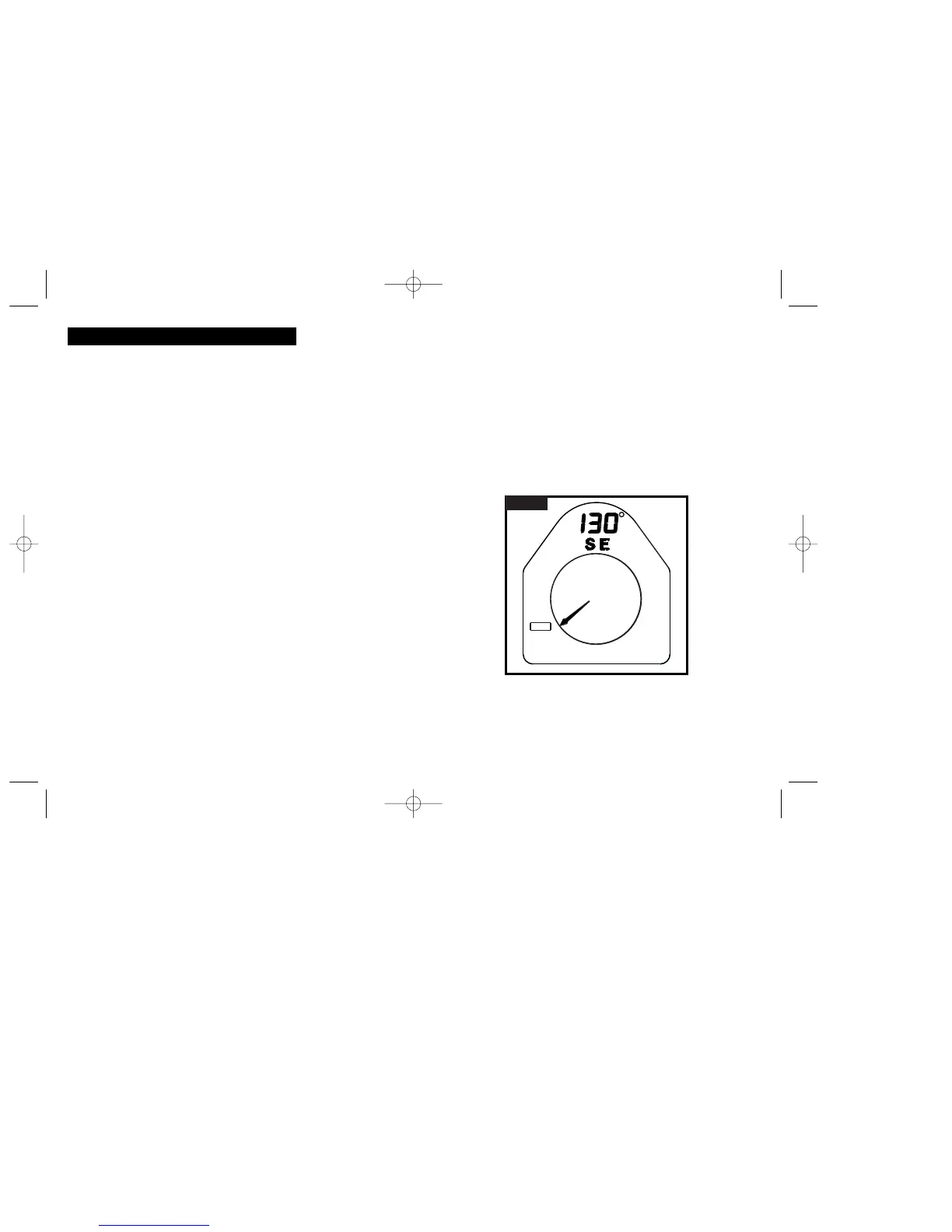
symbol illuminates and the display word is blank. See Figure 1.
B
ASIC
M
ENU
O
PTION
The Outback must be in Basic to use any of the features
described in this section.
F
EATURES
In Basic, the Outback functions similarly to a traditional compass: heading is
shown on the Numeric Display and the compass rose points to North. In addition
to the traditional compass features, Basic has the following additional features:
1) Choosing magnetic north or true north as the heading reference.
2) Choosing the Auto Shut-Off values for the power and backlight.
3) Calibration of the Outback to cancel out interference from magnetic fields.
Calibration must be performed before initial use to be accurate.
TRUE OR MAGNETIC NORTH HEADING REFERENCE
The MAG/TRUE symbol indicates whether the Outback is referenced to either true or
magnetic north. The difference between true and magnetic north is called magnetic
declination. For the Outback to be referenced to true north, the proper declination
must be stored and chosen. See page 29 for details on declination angles.
If the MAG symbol is illuminated, the Outback is referenced to magnetic north.
If the TRUE symbol is illuminated, the Outback is referenced to true north.
C
HANGING THE HEADING REFERENCE
Pressing ADVANCE toggles the Outback between magnetic and true north.
However, the heading reference is not changed until ENTER is pressed.
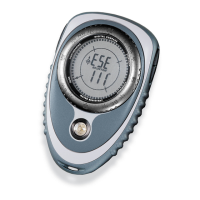
The Outback is in operating mode of Basic, pointing 130¡
South East. The heading reference is magnetic north.
F
IGURE
1
5
6
BRUNTON MAN. MECH. 7/97 9/29/98 9:08 AM Page 5


 To Next Page