30
ADVANCED OPTIONS
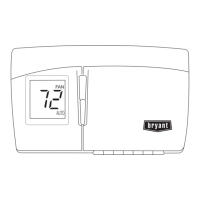
Changing from Fahrenheit to Celsius
Your thermostat is preset to display the temperature in degrees Fahrenheit. You can
change this to Celsius.
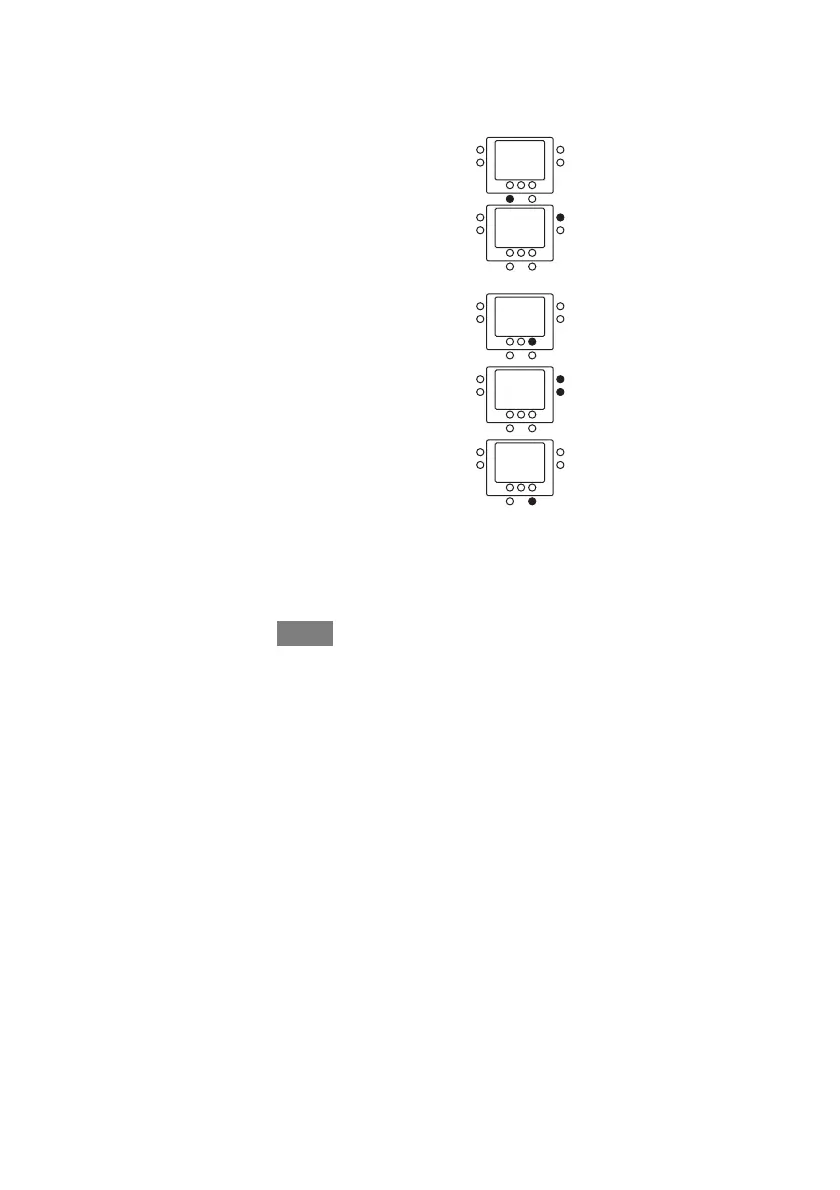
1. Open the door.
2. Press and hold the features button for about three
seconds. The screen will display 01 and the three reset
reminders, as enabled by your installer.
3. Press the up button under the configuration number, 01.
The number will change to 02 with F (Fahrenheit) next
to it.
4. Press the sleep button under the F so it flashes.
5. Press the up or down button on the side to change it to C
(Celsius).
6. Press the done button.
7. Close the door.



 To Next Page
 Loading...