w
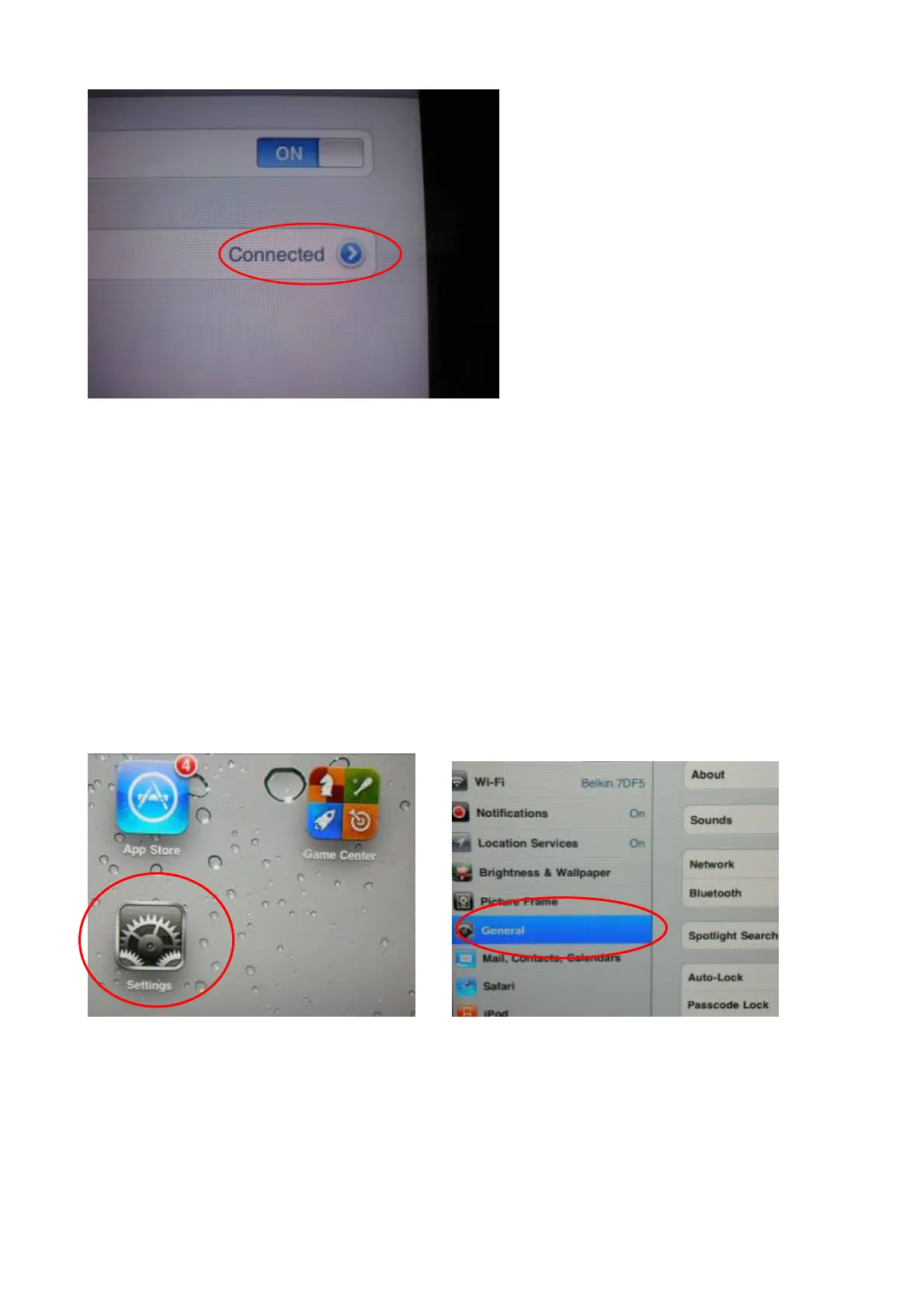
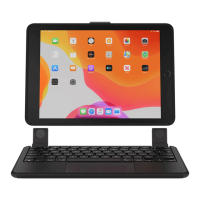
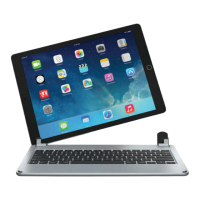
Step 8 : Once it shows 'connected' on the screen, press the iPad HOME button to start using your iPad and Keyboard.
Bluetooth Speaker Pairing
Step 1: Turn on the Bluetooth speaker by long press “Ctrl + B” on the keyboard, the Bluetooth keyboard indicator light
of speaker will keep flashing, the speaker now is ready for paring;
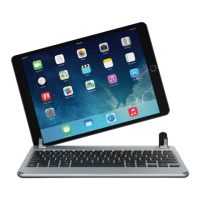
Step 2 Click the iPad [setting] icon, in the settings menu, select item [General] to access [Bluetooth] settings:
Step 3: Click on [Bluetooth] to turn on the connection. iPad will automatically search Bluetooth devices
Step 4: Brydge Speaker found. Click on the device to connect


 To Next Page