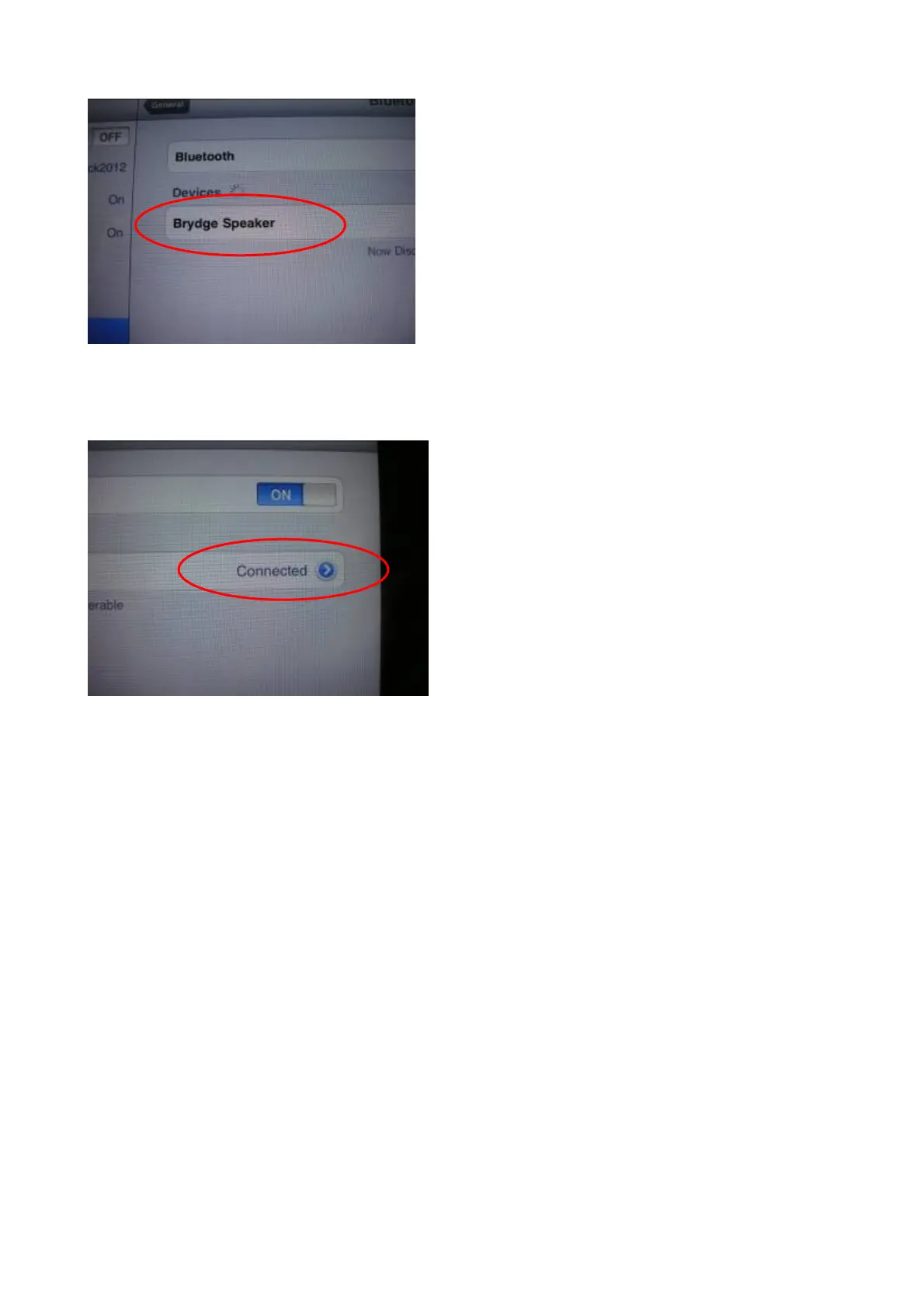
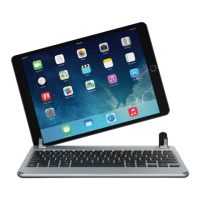
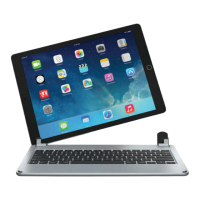
Step 6: Brydge speaker connected Successfully and the Bluetooth light will turn to interval flashing;
Step 7: Once it shows “connected” on the screen, press the iPad HOME button to start using your iPad to enjoy the
music from the Brydge speaker;
Special Note:
The bluetooth keyboard/speaker can be connected
to iphone3G, 3GS, 4G and ipod Touch that
had installed iOS 4.0 or later version. For other
Bluetooth enabled device, please verify the
Bluetooth standard & compatibility before you
attempt to connect to the keyboard and speaker.


 To Next Page