Manual EVoBASIC v.7 71 / 80
pH adjustment does not start up until 5 minutes after the equipment has
been switched on.
A proportional control automatically adjusts the pH without the need for
controller adjustments. The pump will start up every minute and with a
variable operation time of between 0 and 60 seconds.
ATTENTION: It is required to do a pH probe calibration
during the equipment installation. New calibration should be
done on changing or cleaning the probe.
4.1.6.2- Access to the pH Menu
You can access the pH menu from the main menu by pressing OK
4.1.6.3- pH Adjustment
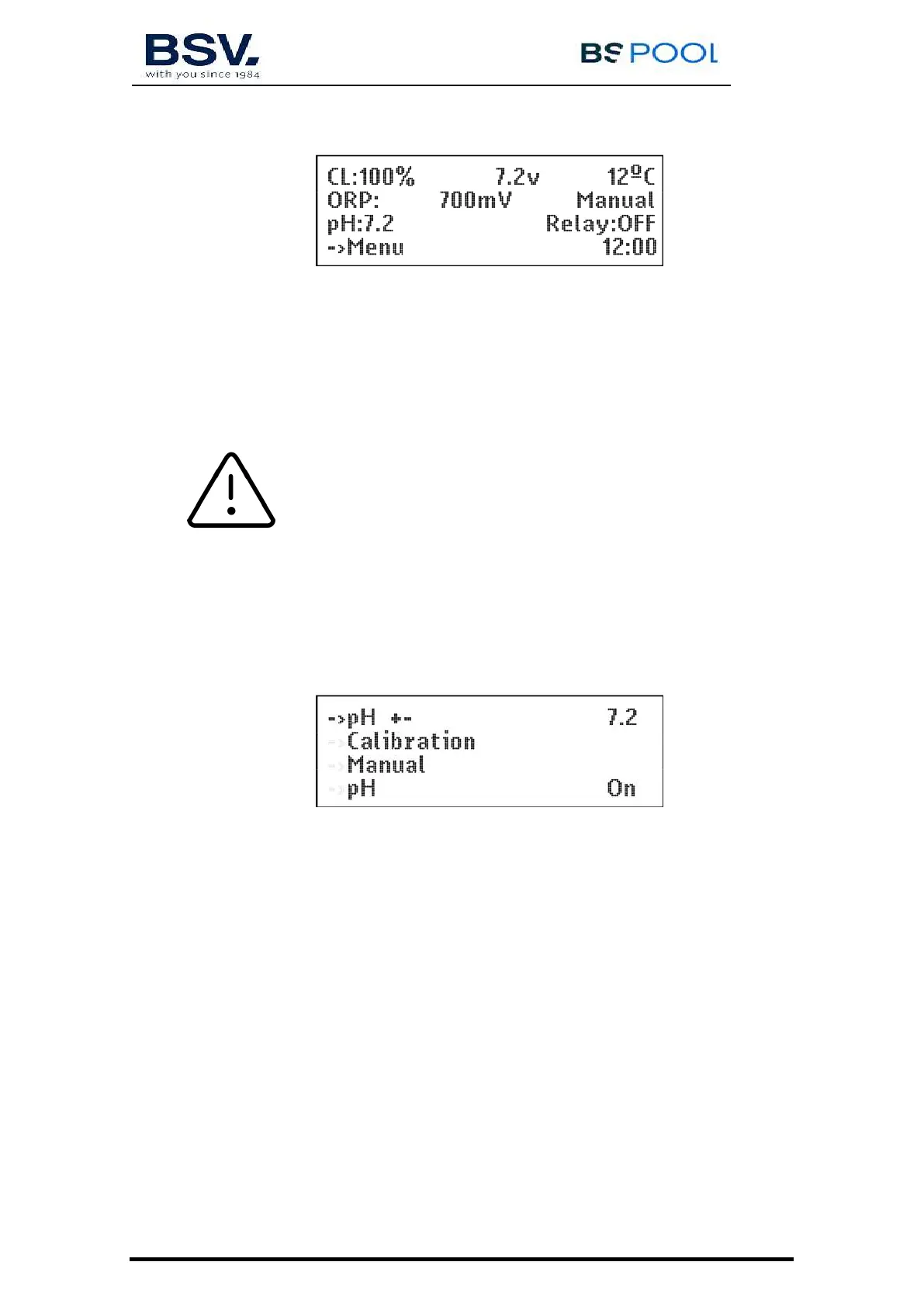
Go to the main menu, select "pH" and in the pH menu that is displayed,
select “pH +-”
Use the buttons to adjust the required pH and confirm with "OK".
4.1.6.4- Calibration of the pH probe
To calibrate the probe, prepare a glass of clean water. Remove the probe
from the storage liquid, shake it to remove the liquid, shake it in the
water. Shake it again to remove the water. Dry it with a clean cloth,
without rubbing.
On the control, go to “Menu” – “pH” – Calibration – “S”. The 1st line of
the display indicates “pH cal. = 7”. Immerse the probe in the pH7
standard solution and press OK. Wait 60 seconds; the display indicates



 To Next Page