Hello
Powerful, clever and faster than ever
– your sleek new Hub has arrived.
Here’s what’s in this guide
What’s in the box 2
Get to know your Business Smart Hub 3
Set up and get connected 4
Guest Wi- 6
Get more with the Business app 7
Troubleshooting and Hub lights 8
Business Extras 10
If you ever need some help 11
Other information 11
Thanks again for choosing BT Business.
You made a good choice.
What’s in the box
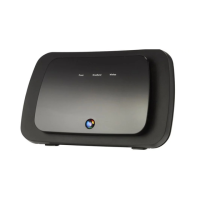
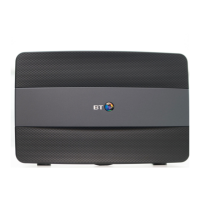
Business Smart Hub
User guide
Business Smart Hub
User guide
Now with
Guest Wi-fi
Broadband cable
(grey ends)
Ethernet cable
(yellow ends)
Filter
Power cable and plug
(in two parts)
Extra sticker with
Hub details to put
somewhere handy
Find out more about your Hub at:
bt.com/business/hubhelp
Wireless Network Name:
BTBHub6–ABCD
Wireless Password/key:
www8wWww8wW
Admin Password for Hub Manager
(view at 192.168.1.254):
8888wwww
Business Hub Info
2
4005 BTB Smart Hub User Guide-FTTP v4 [3].indd 2 26/01/2018 16:09



 To Next Page
 Loading...