Connect to your
Hub’s Wireless:
Select your Wireless Network:
BTBHub-ABCD
1
Enter your Wireless
Password/key:
8888wwwwwWWW
2
Admin Password for
Hub Manager:
8888WWWW
Power
On | Off
Power
Factory
Reset
USB Gig Ethernet
1 2 3 4
Broadband
USB port
To connect a USB
device, like a hard
drive or printer
Three Gigabit
Ethernet ports
To connect devices
for a more stable
connection
WAN port
To connect
your Hub to the
external modem
Power socket
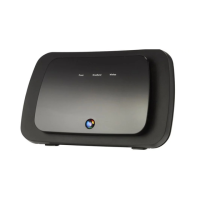
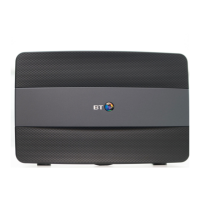
Get to know your Business Smart Hub
Front Back
Hub status light
Have a look at pages 8 – 9 to see
what your Hub lights mean
Broadband port
Hub wireless settings
A handy removable card with
all the details and passwords
you’ll need (your Admin
password is on the back)
WPS button
and light
A quick way to
connect wireless
devices without
a password
Factory Reset
button
See page 9
3 For more help, go to bt.com/business/hubhelp
4005 BTB Smart Hub User Guide-FTTP v4 [3].indd 3 26/01/2018 16:09



 To Next Page
 Loading...