BT Versatility
Owner's Manual
52
Extension Reset
You can reset your Extension to cancel all the following features if they have been set:
• Do Not Disturb
• Call Divert
• Call Back
• Display Messaging
• Reminder Call
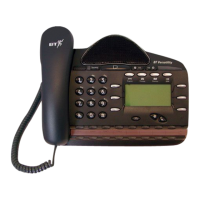
To reset your Featurephone
• From the Idle Menu, press the Scroll Down Key (Ô) to scroll downwards until ‘Reset the
telephone’ is displayed.
• Select ‘Reset the telephone’. The Display shows ‘Extension reset’ momentarily before
returning to the Idle Menu.
If you are using a standard telephone, dial 739 and wait for the acknowledgement tone
(internal dial tone).



 To Next Page