10
5 Standard Hot Keys & Adding Office Keys
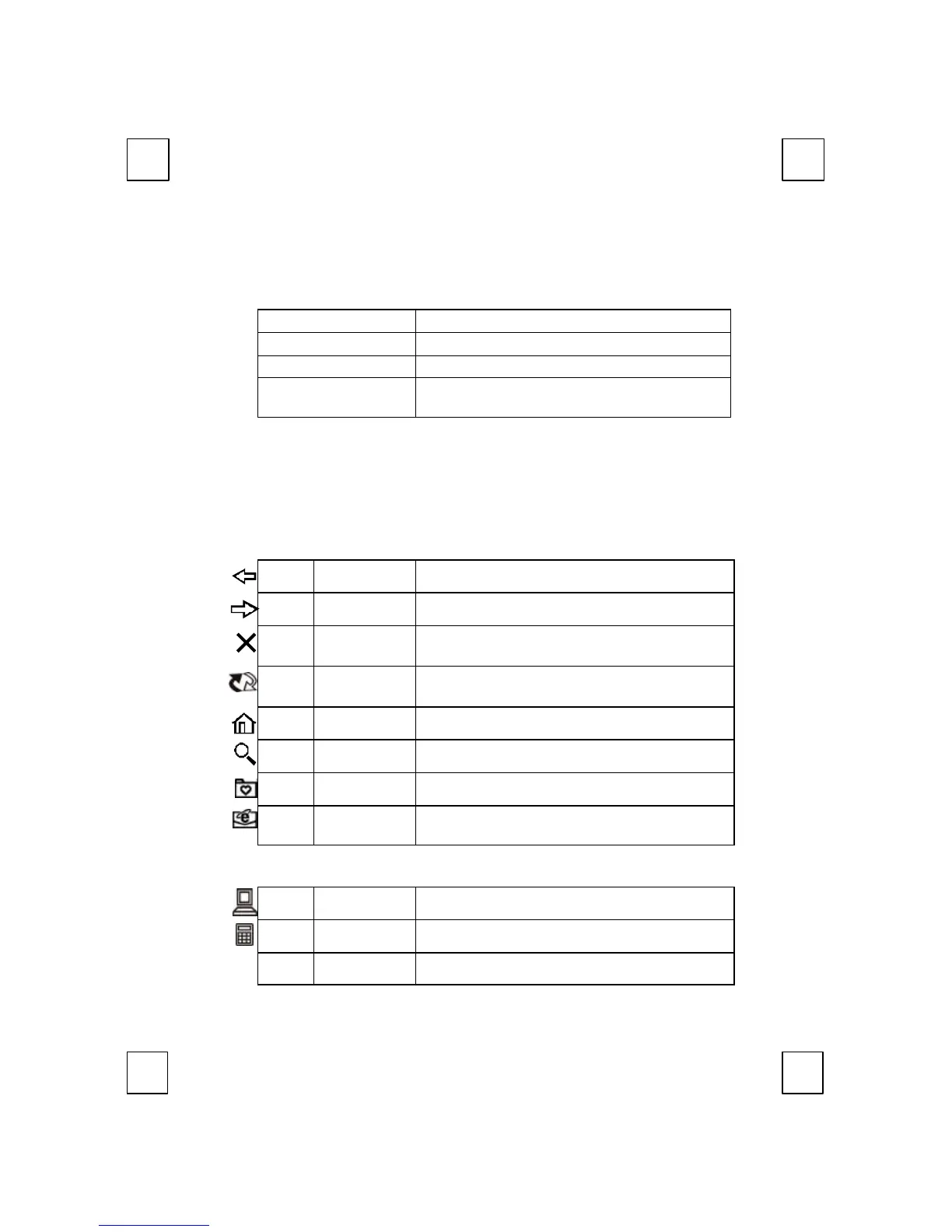
5.1 Office Application Keys Block:
Word Opens Microsoft Word.
Excel Opens Microsoft Excel.
Power Point Opens Microsoft Power Point.
Calendar
Opens Calendar function of Microsoft
Outlook.
F Note: Without driver, user can make shortcut setting to have these functions. For
example, right-clicking on the Word icon to select Properties. Type in “D” to come up
with “ Ctrl+Alt+D” for Word shortcut function.
“Ctrl+Alt+D” for Word. “Ctrl+Alt+E” for Excel.
“Ctrl+Alt+P” for PowerPoint. “Ctrl+Alt+O” for Outlook.
5.2 Internet Keys Block:
Back Returns to the last page you viewed.
Forward Views the next page you viewed before.
Stop
If a page you are trying to view is taking too
long to open, click this button to stop.
Refresh
Refreshes the current Web page in order to
make sure you have the latest Web page.
WWW Opens the default internet browser.
Search Opens the internet search menu.
My Favorite Opens the Internet My Favorite folder.
E-mail
Opens the default program you use for
mail.
5.3 Application Keys Block:
My Computer Opens “my computer” window.
Calculator Starts Microsoft calculator.
Log
Log Off Opens the log off windows dialog box.



 To Next Page