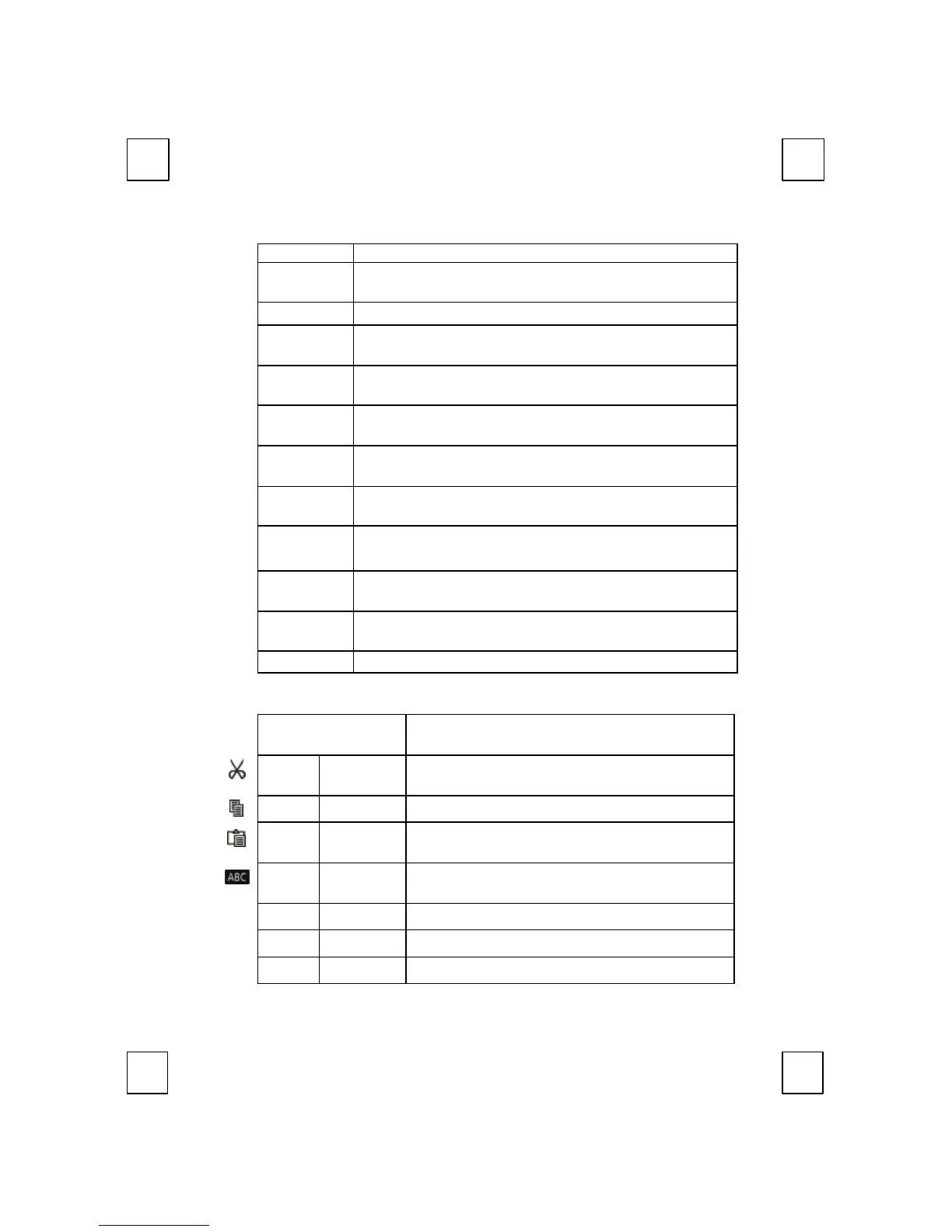
Searches for and replaces the specified text and
formatting.
F6: Bold Bolds or unbolds the text and numbers you marked.
F7: Spell Starts the spelling check program in the active
document.
F8: Bullets
Adds bullets to or removed bullets from selected
paragraphs.
F9: Reply Replies to the e-mail in Microsoft Outlook or Outlook
Express.
Forwards the e-mail in Microsoft Outlook or Outlook
Express.
F11: Send Send the e-mail in Microsoft Outlook or Outlook
Express.
F12:
Task pane
Shows or hides the office task pane previous
displayed. (For Office XP only)
Print
Prints the file in the active window.
Scroll Lock:
Undo
Reverses the last command or deletes the last entry
Reverses the action of the Undo command.
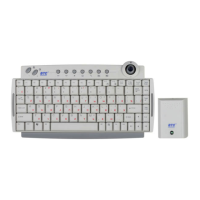
5.6 Clipboard Keys Block:
Scroll Wheel
Works as mouse scrolling function but in 4D
direction-Up, down, right and left.
Cut
Removes the selection from the active
document.
Copy Copies the selection to the Chipboard.
Paste
Paste the previously cut or copied items from
Use roller keys and mark key to selected and
mark item.
Back
Back Returns to the last page you viewed.
Forward Views the next page you viewed before.
APP.
Switches the focus to the previous opened


 To Next Page