4
3 Hardware Installation
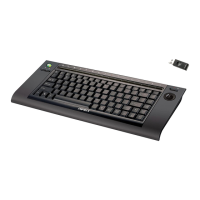
Mechanical specification
Physical characteristics
Length : 477 mm
Width : 238 mm
Height : 39 mm
Weight : 1.3 kg (unpacking)
Electrical specifications
Power consumption
Supply Voltage : 5V
Working Current: 50 mA
Switch Activation : Membrane
Step 1: Make sure your PC is switched off.
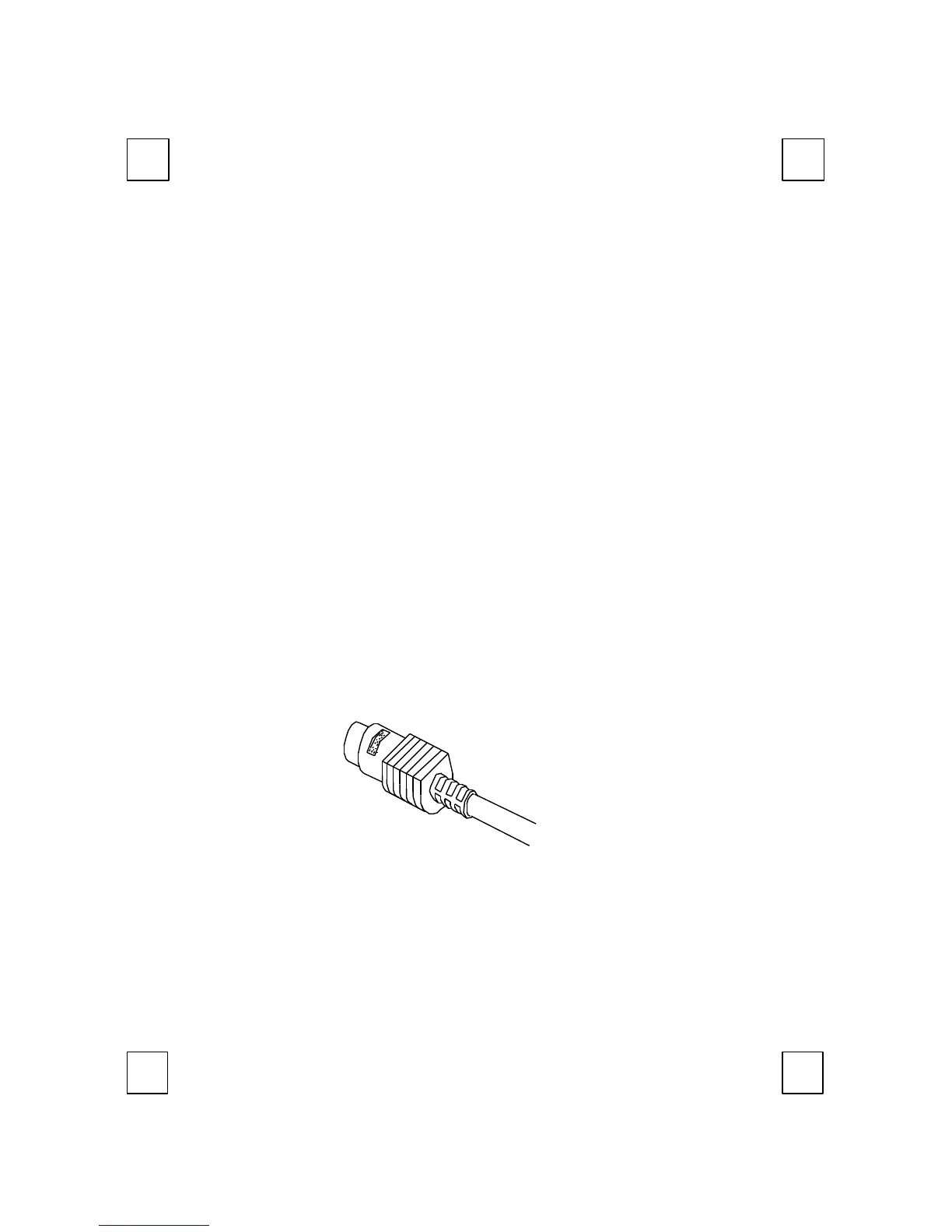
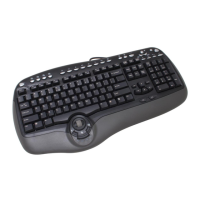
Step 2: Plug the keyboard connector into the keyboard port of your PC.
Keyboard Connector
Step 3: Start your PC, your computer will auto-detect your keyboard.


 To Next Page