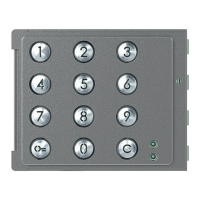
Sfera Keypad Module
Installer manual
19
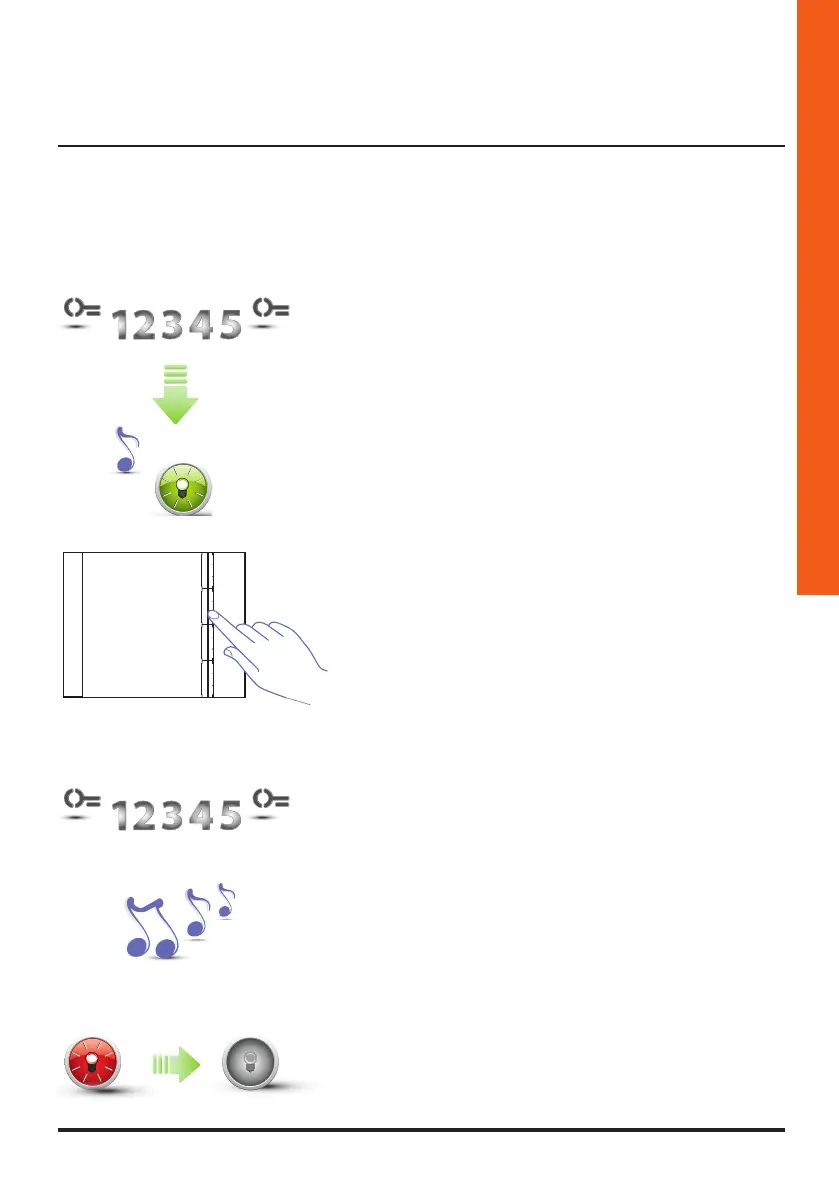
3.3.2 Deleting the resident code
(only with Sfera Speaker Module 351100/351200/351300 and the associated Sfera Pushbutton
Modules 352000/352100)
3 Re-enter the master code.
1 Enter the master code.
The device emits a beep, and the green LED
starts flashing.
The programming procedure starts.
2 Use the pushbutton module (352000 and 352100)
to select the apartment for which the resident code
must be deleted.
352041/42/43
Apartment 1
Apartment 2
Apartment 3
Apartment 4
4 The device emits a long confirmation beep.
5 The red LED flashes and then switches off to confirm
that the deletion has been performed.



 To Next Page
 Loading...