6
MA671635_13.1 [Original Instructions] 1/23/2012
Operation
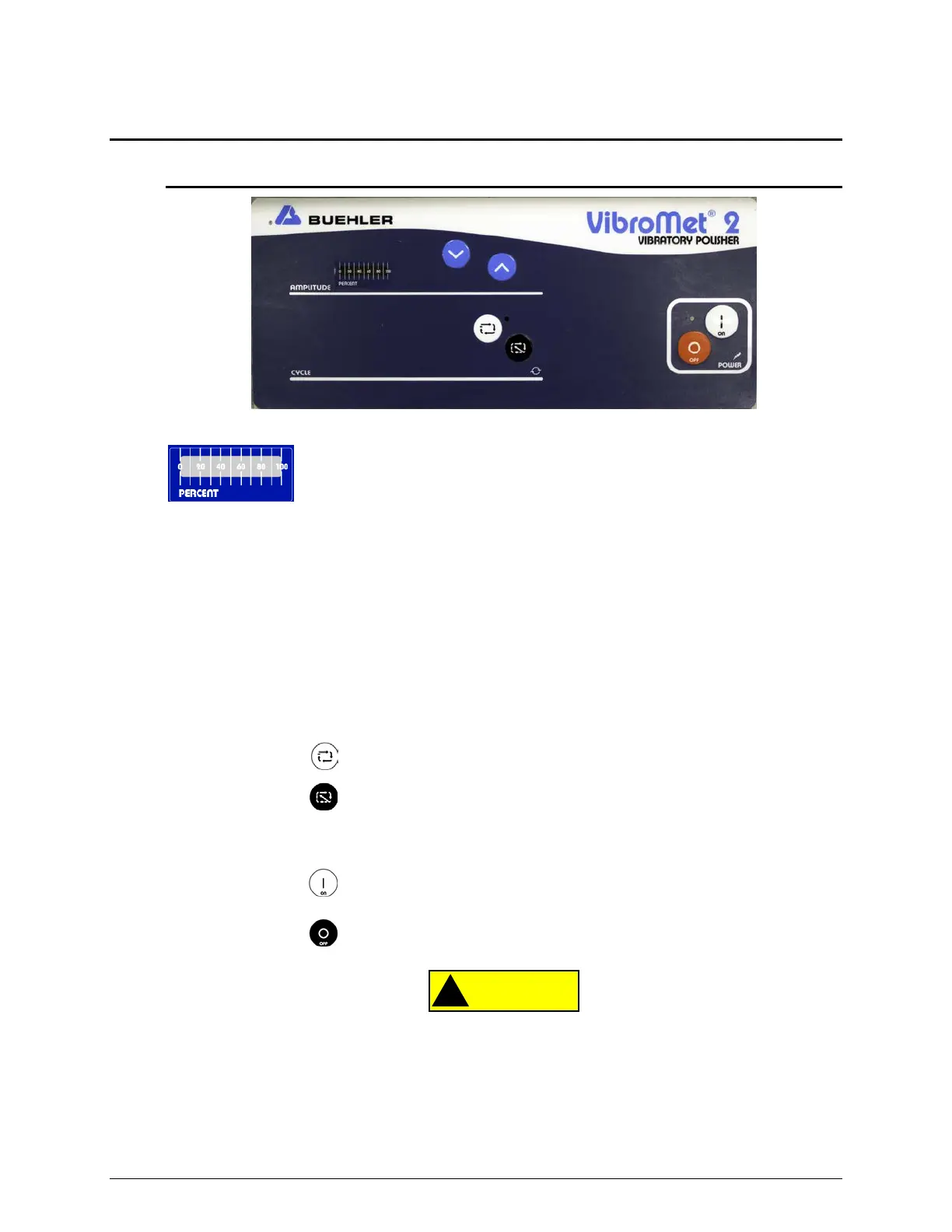
Front Control Panel
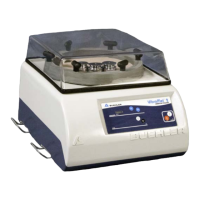
Figure 2 VibroMet 2 Front Control Panel
Amplitude The PERCENT bar graph indicates the percentage of
vibration amplitude.
Using a vibratory sensor, the cycles-per-minute can be correlated with
the percent of vibration indicated on the graph.
Press the INCREASE button to increase the amount of vibratory
amplitude.
Press the DECREASE button to decrease the amount of vibratory
amplitude.
Cycle Controls the polishing action of the VibroMet 2 Polisher.
Press the
button to activate the polishing action.
Press the
button to stop the polishing action.
Power Activates power to the VibroMet 2 Polisher.
Press the
button to activate the power.
Press the
button to deactivate the power.
Equipment Damage. If a loud striking noise occurs during the polishing cycle, stop the
machine immediately. The striking noise may be caused by the armature and core making
contact. Continue striking may result in damage to the machine. See the Maintenance
(Adjusting the air gap) section for corrective action.


 To Next Page