Mixing Capacity
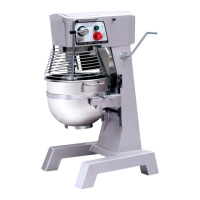
Model Bowl Volume Max Flour Max Dough
GL190 10L 2kg 3.2kg
GL191 20L 5kg 8kg
GJ461 30L 7.5kg 11.3kg
Changing Mixing Speed
Note: ALWAYS stop the mixer before attempting to change the mixing speed.
With the appliance turned Off:
1. Select the required gear using the gear change lever.
2. Restart the appliance.
Overload Switch
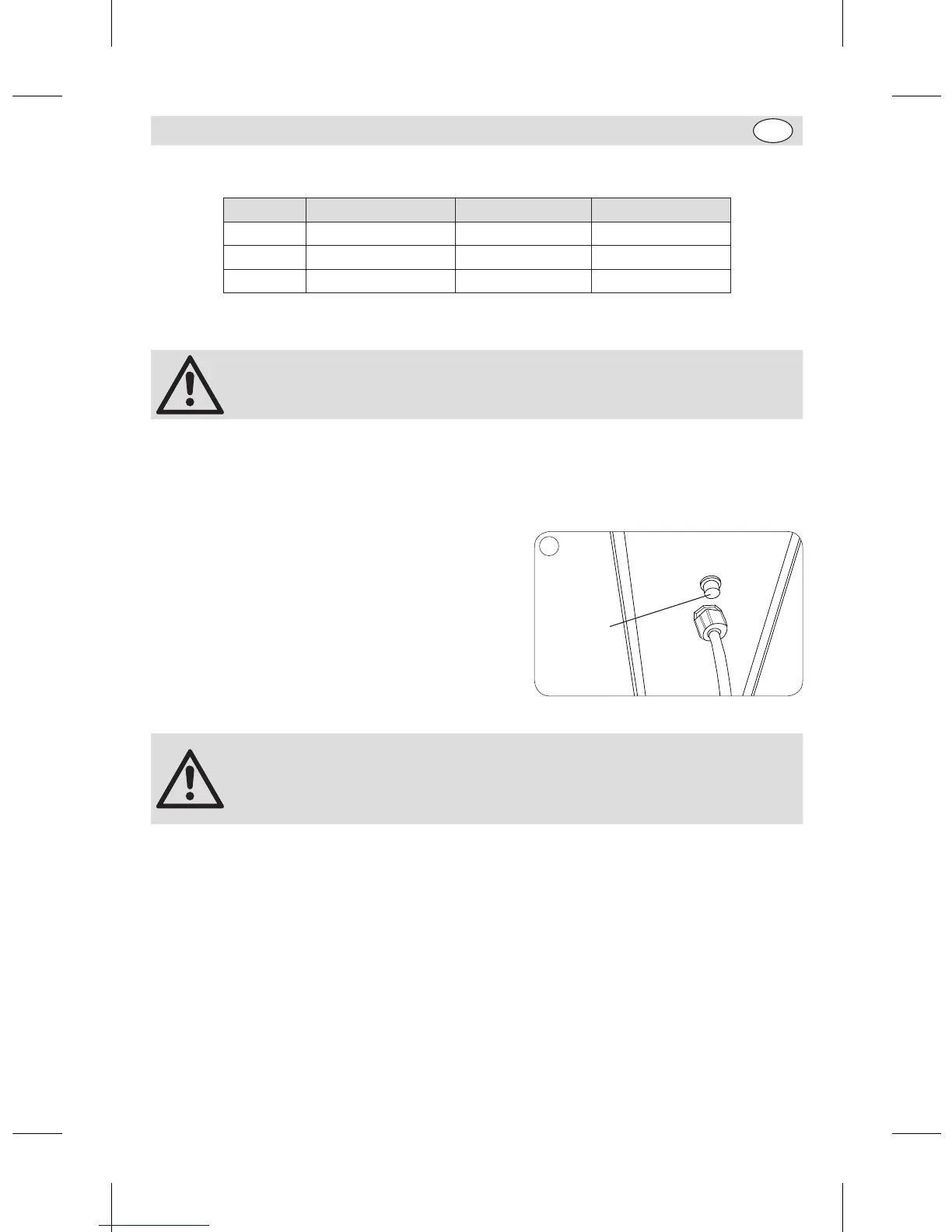
The Overload switch is situated at the back of the machine
beside the cable entry (Note for GL190: The Overload
switch is on the base).
If the appliance becomes too hot the Overload switch will
stop the machine automatically. If this happens:
1. Turn Off the mixer.
2. Reduce the load in the mixing bowl.
3. Push the Overload switch back in to reset it.
4. Allow the appliance to cool for 20 minutes.
Overload
switch
5
Note:
• In the event of a power cut the Overload switch will cut in to prevent the
appliance from restarting automatically when power is restored.
• Always disconnect the Planetary Mixer from the mains powers supply when
not in use.
Cleaning, Care & Maintenance
• Always turn off the mixer and disconnect from the power supply before cleaning.
• Use warm soapy water to clean the bowl and mixing attachments. Do not use abrasive cleaning
chemicals as these can leave harmful residues.
• Clean the exterior of the appliance with a damp cloth.
• Dry all parts thoroughly after cleaning.
• Do not use jet/pressure washers to clean the appliance.
• Clean the appliance regularly.
GL190-GL191_GJ461_ML_A5_v7_20180928.indb 15 2018/9/28 16:02


 To Next Page