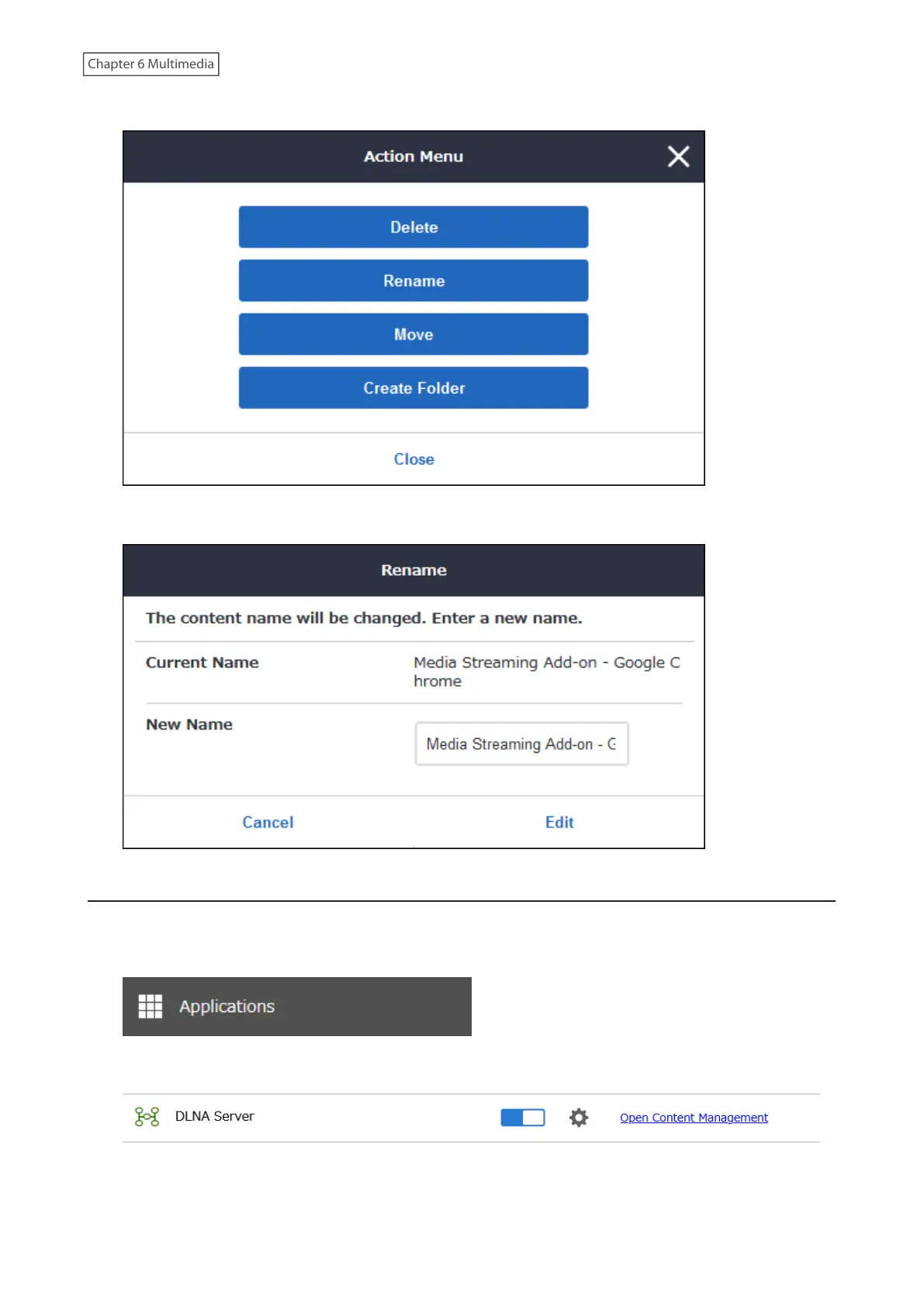
7 Click Rename.
8 Enter a desired new name and click Edit.
Deleting Files or Folders
Files and any folders created under content management can be deleted.
1 From Settings, click Applications.
2 Click Open Content Management.
3 Navigate to Content Management > Media Content.
149














 To Next Page