Note: S.M.A.R.T. information is only available for internal drives.
Displaying S.M.A.R.T. Information
1 From Settings, click Storage.
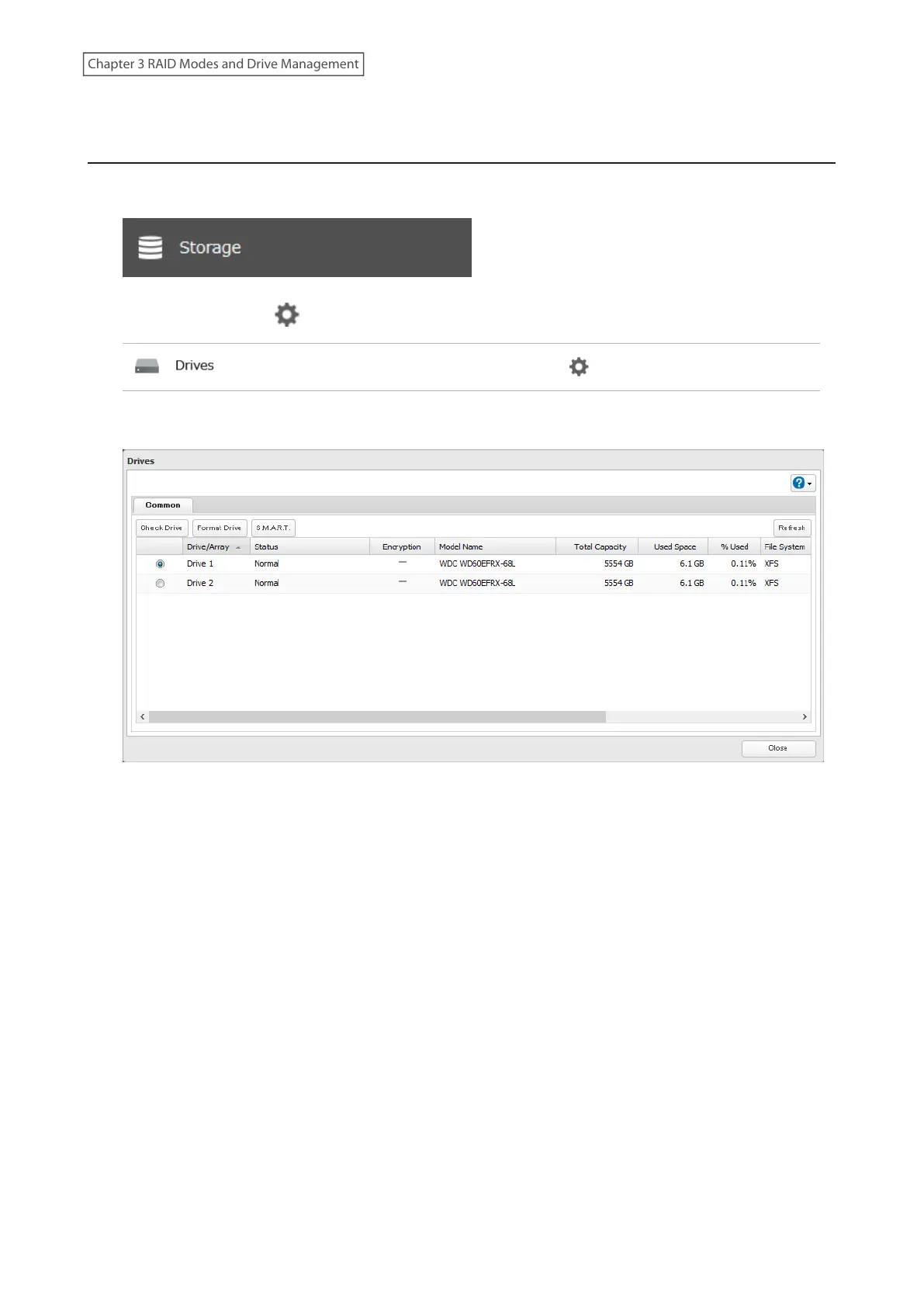
2 Click the settings icon ( ) to the right of “Drives”.
3 Select a drive to check and click S.M.A.R.T.
56
Chapter 3 RAID Modes and Drive Management














 To Next Page