18
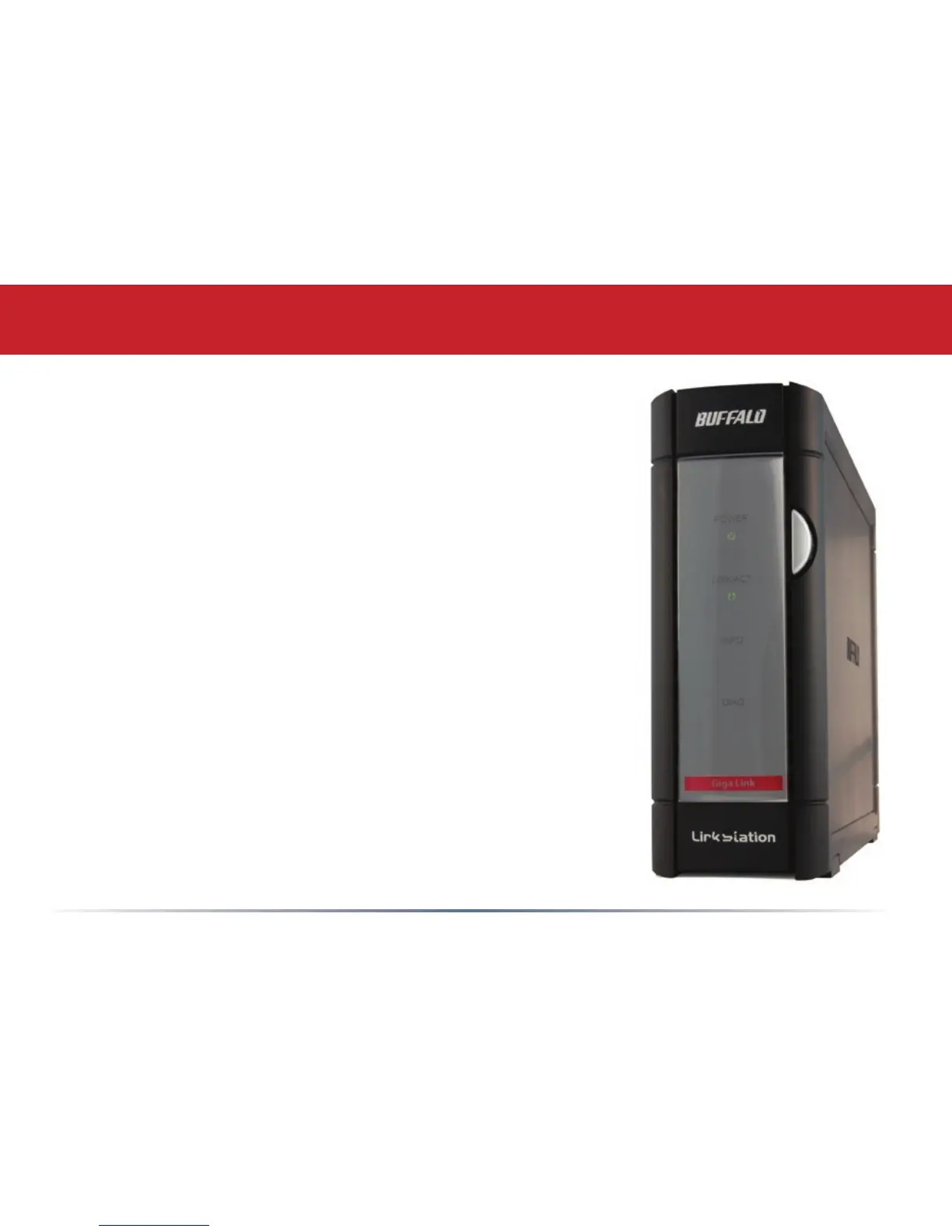
Power Button – Press and release the Power Button to turn
the LinkStation on. Hold it down for three seconds to turn the
LinkStation off.
Link/Act LED – The Link/Act LED glows green when the
LinkStation is connectied to a network. It blinks when the
LinkStation is sending or receiving data.
Info LED – The Info LED blinks when you have a message
waiting for you in the client utility.
Diag LED – The Diagnostic LED blinks to signal abnormal
operation. See page 53 for a list of Diagnostic LED codes.
LinkStation Layout














 To Next Page