30
Advanced Settings
Shared Folders
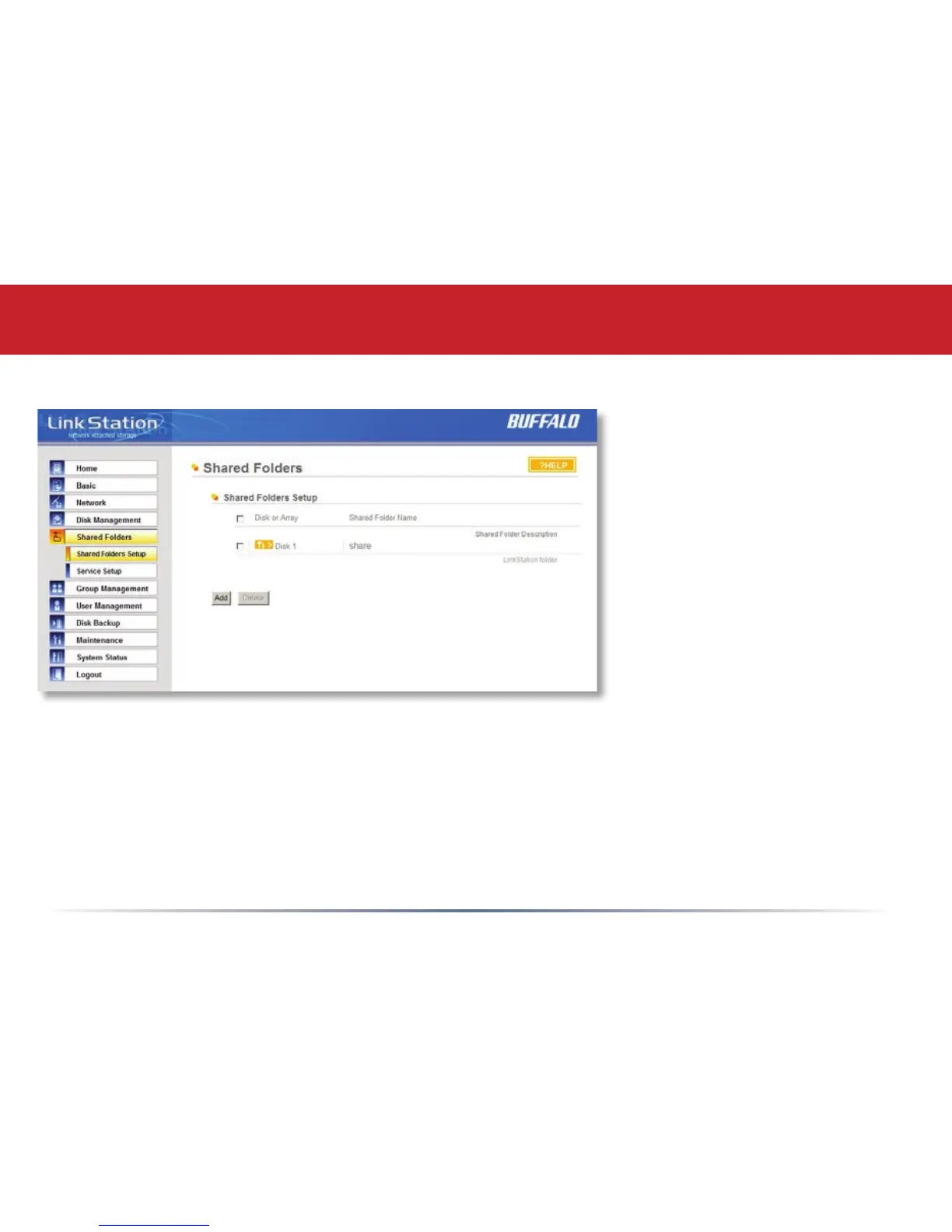
To begin setting up shares on
your LinkStation, select Shared
Folders from the left side menu,
and then click the Add button
under Shared Folders Setup.
To delete a share or shares,
check the checkbox next to
the shares you’d like to delete,
and press the Delete button.
Deleting shares will remove the
share and erase all of the les
and folders inside that share.














 To Next Page