35
Advanced Settings
User Management
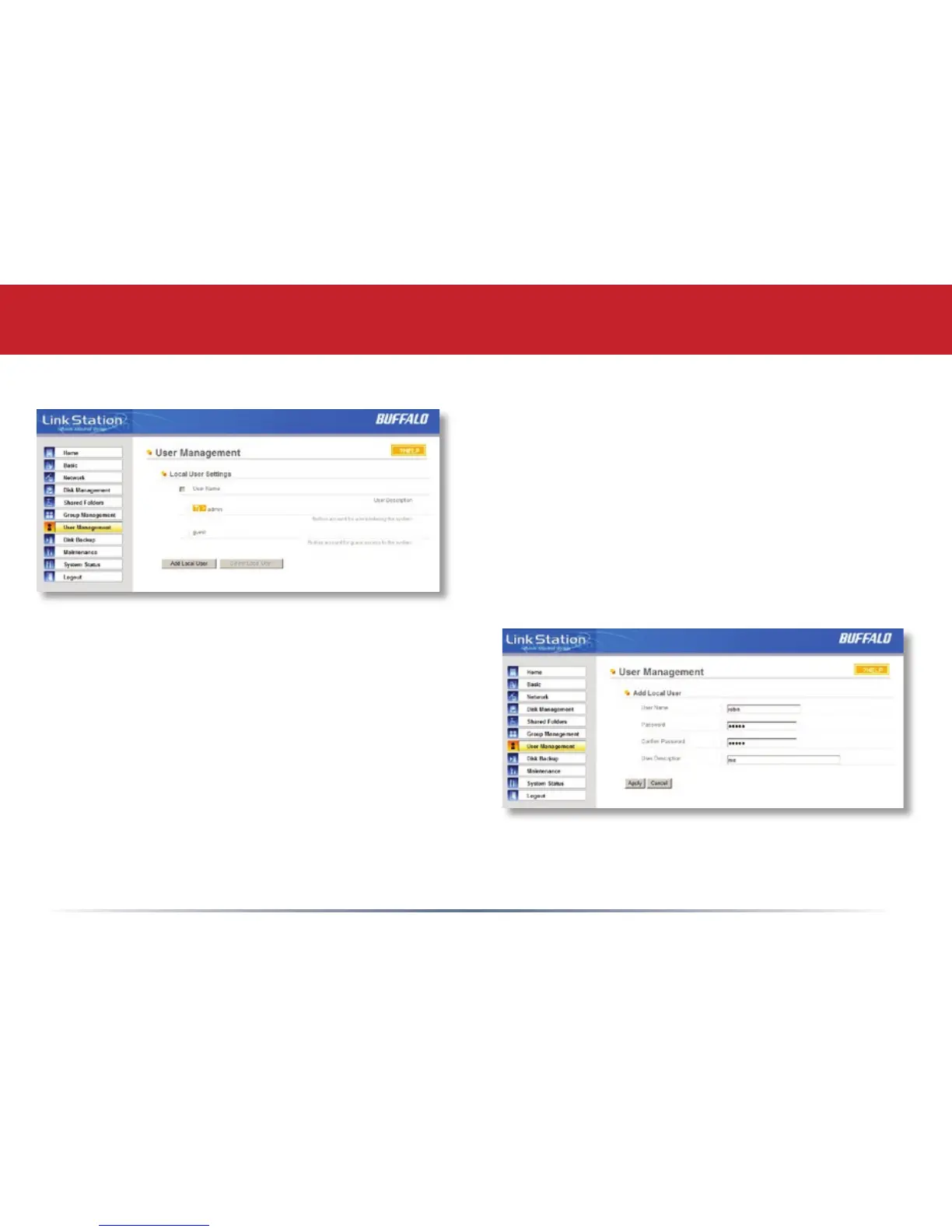
LinkStation is precongured with two users,
admin and guest, out of the box. The admin
and guest user accounts cannot be deleted. To
delete any other user, put a check next to their
name and click Delete. To add a new user, click
Add.
The Add New User dialog will appear. Enter a
User Name, Password, and User Description for
the new user and click the Apply button. If a user
will be accessing the LinkStation from a Windows
95/98 computer, their password should be 15
characters or less. Mac OS 8 and OS 9 users’s
passwords should be 9 characters or less.
A Domain User List will be displayed if the
LinkStation Pro is a member of a Domain or
Active Directory environment.














 To Next Page