42
Advanced Settings
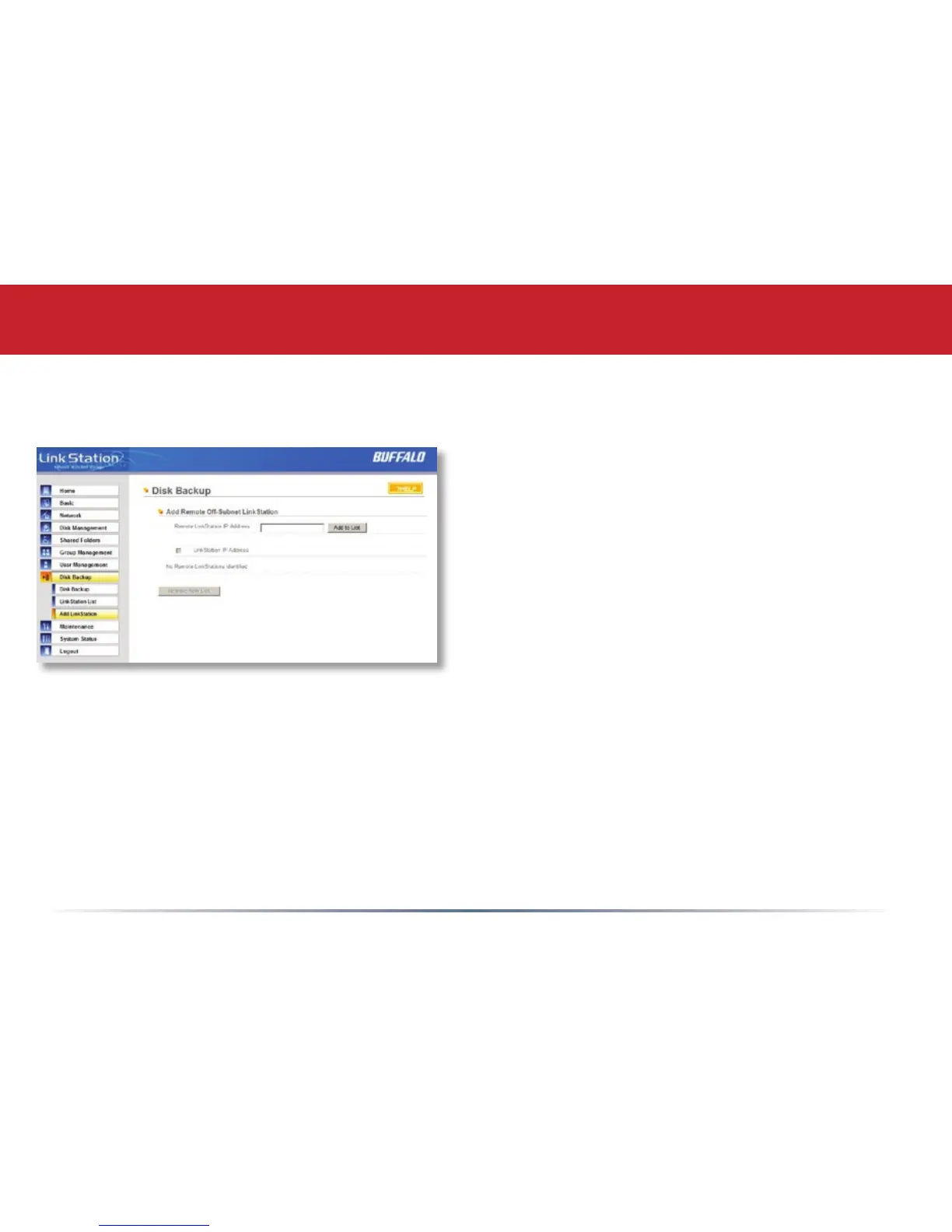
Disk Backup (Add LinkStation)
To add a remote LinkStation to your network, enter its numerical IP Address in the Remote
LinkStation IP Address eld and click the Add to List button. For remote LinkStation backups,
make sure both rewalls are congured to allow trafc in and out of their networks.
Note: Disk Backups between two LinkStations use port 8873 for encrypted backups and port 873
for backups with no encryption.














 To Next Page