21
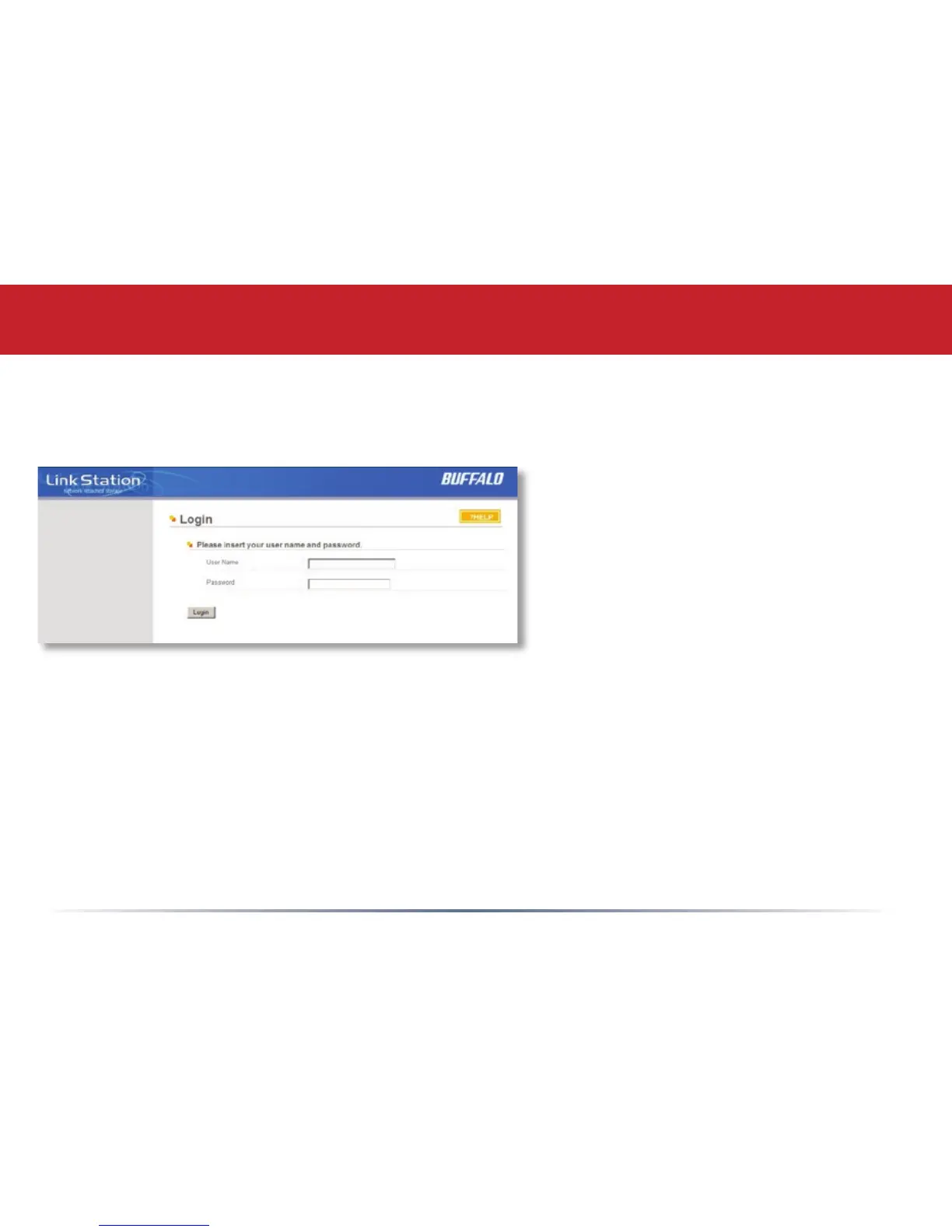
This login prompt will appear. Enter admin for the user name. Until you change it, the
password for the admin account will be password. Press the OK button when nished.
Advanced Settings
User name: admin
Password: password
See page 36 to change your password.
If this login prompt does not appear,
your DHCP server may not be
functioning correctly. If DHCP is
disabled, you may re-enable it, or verify
that the LinkStation’s IP Address is in
the same range as that of your PC.
NOTE: Page 24 shows how to enable
or disable DHCP, or congure the
LinkStation with a Static IP Address.














 To Next Page