23
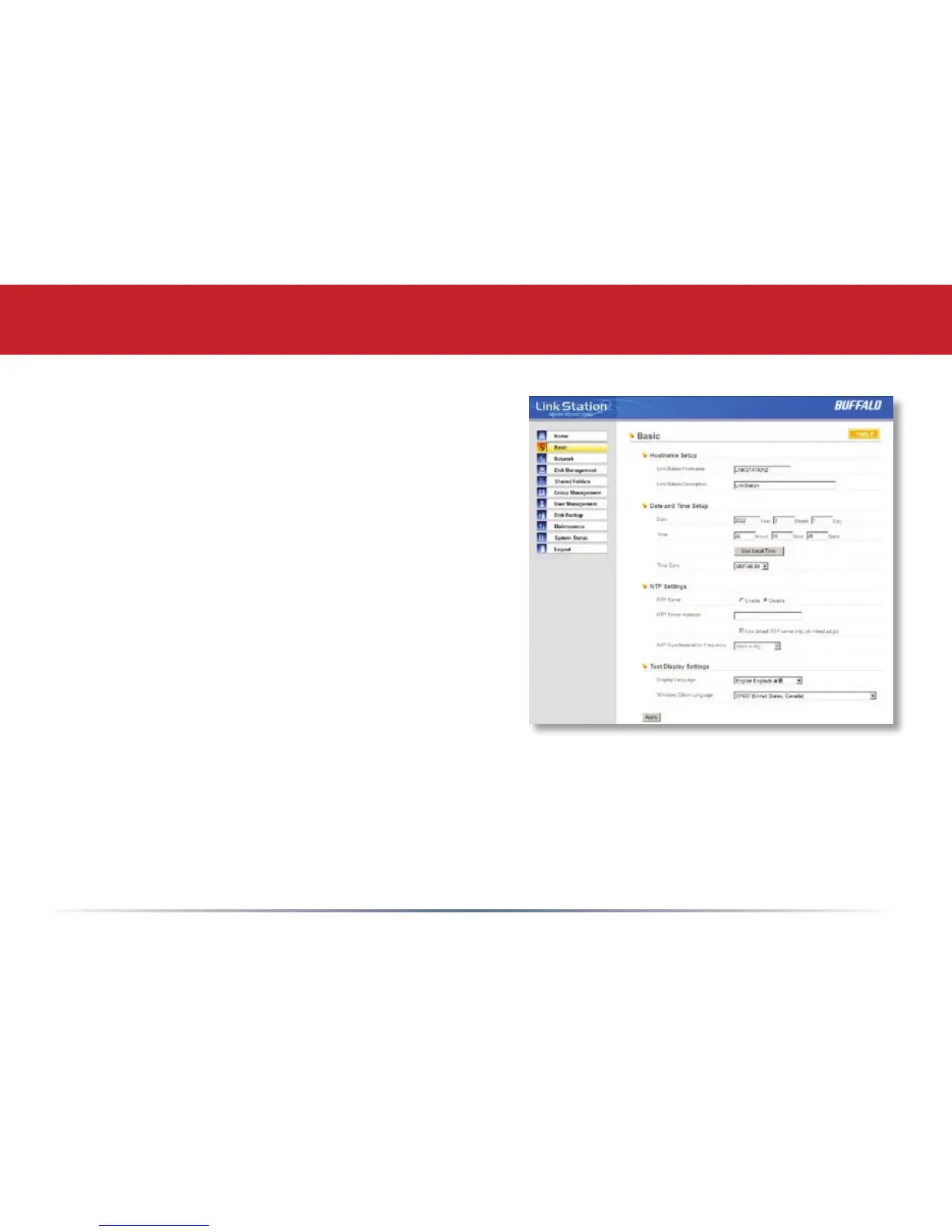
You may modify your LinkStation’s hostname and
description under Hostname Setup. A friendly,
easy-to-remember name (e.g. “LinkStation”) is
recommended.
Make sure that the date and time are correct
in Date and Time Setup. To synchronize time
settings with those in your computer, press
Use Local Time. To have your system time
automatically set by an NTP server, enable NTP
Server and enter an IP Address for the NTP server
(e.g. 192.43.244.18) or use the supplied default
NTP server.
Ensure that both the Display Language and the
Windows Client Language are set to languages
that you’re comfortable with.
Once desired elds have been completed, press
the Apply button.
Advanced Settings
Basic














 To Next Page