27
Advanced Settings
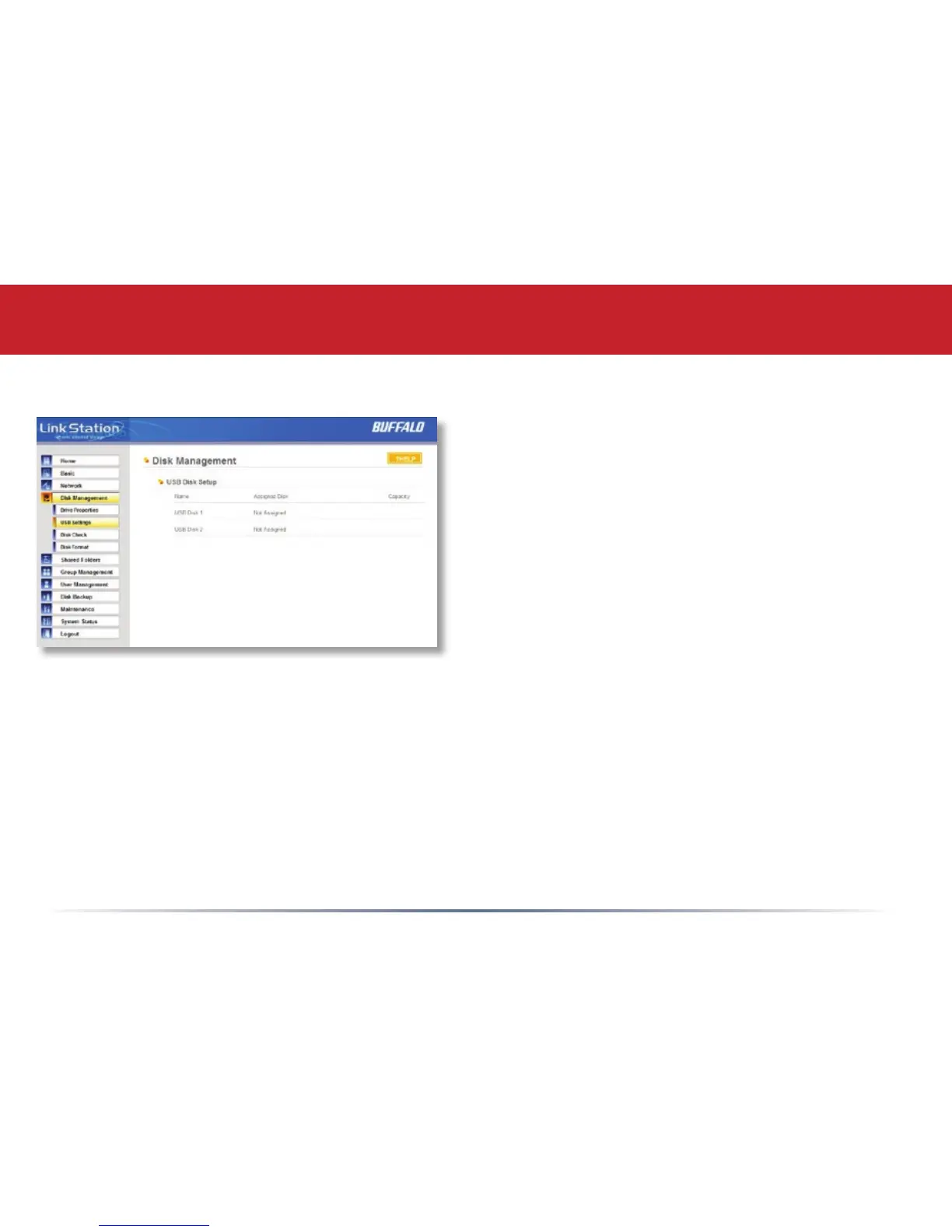
Disk Management (USB hard drives)
From here you can see your USB hard
drives’ setup information. If the hard drives’
information isn’t displayed properly, try
restarting your USB hard drives and then
restarting your LinkStation. Some USB
hard drives must be reformatted from within
LinkStation before they can be assigned
shares. Select Disk Format from the left-side
menu to format your USB hard disk(s).














 To Next Page