6
Powering up
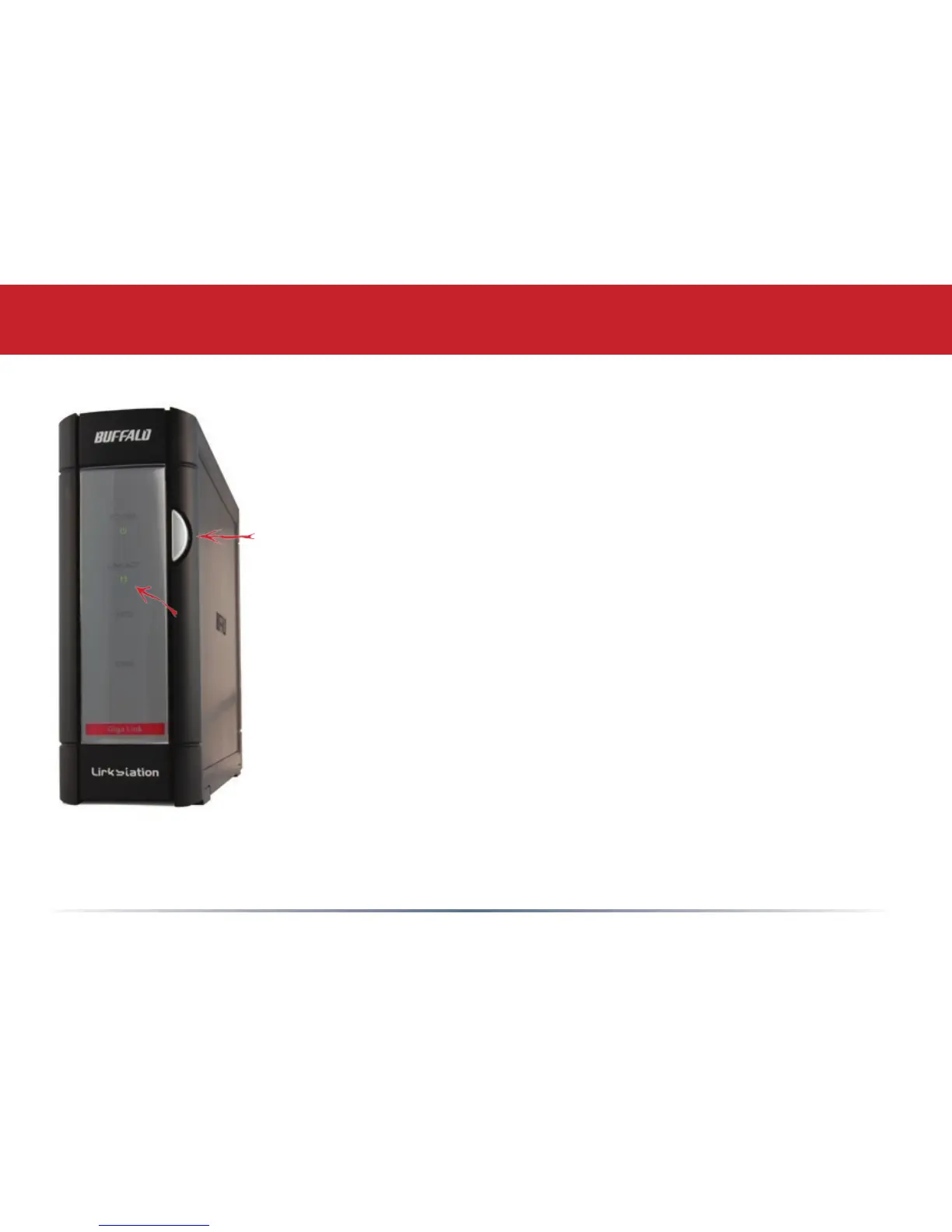
Press the power button on the front panel. LEDs will blink as your
LinkStation boots up.
After your LinkStation has completed booting up, check the LINK/ACT
LED on the front of the LinkStation. If it’s lit, then your LinkStation is
connected properly, and you can go on to page 8. If it’s not lit, turn to
page 7 for troubleshooting.














 To Next Page