42
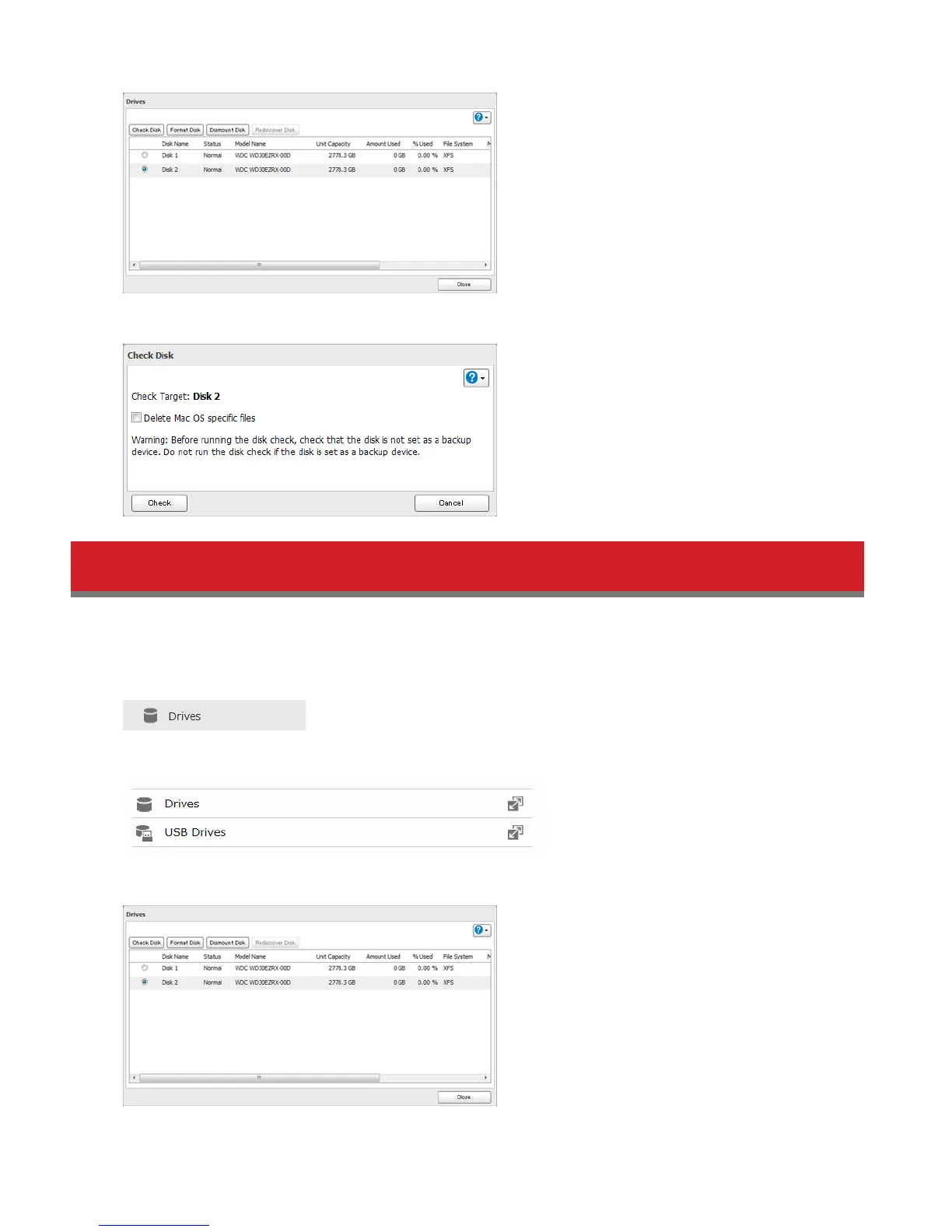
4 Click Check. You have the option of deleting information files from Mac OS during the check if desired.
Formatting Drives
Note: Under some circumstances, data deleted when a drive is formatted can be recovered. To ensure that data is
“gone forever”, a format might not be sufficient. See “Erase Data on the LinkStation Completely”.
1 In Advanced Settings, click Drives.
2 Select Drives to format an internal drive or USB Drives to format an external drive.
3 Select the drive to format, then click Format Disk.















 To Next Page