49
Chapter 6 Backup
Back Up from the LinkStation
You can back up LinkStation folders to:
• A different folder on the LinkStation
• Another LinkStation on the network
• Another TeraStation on the network
Preparing a Backup Destination
First, configure a folder as a backup destination.
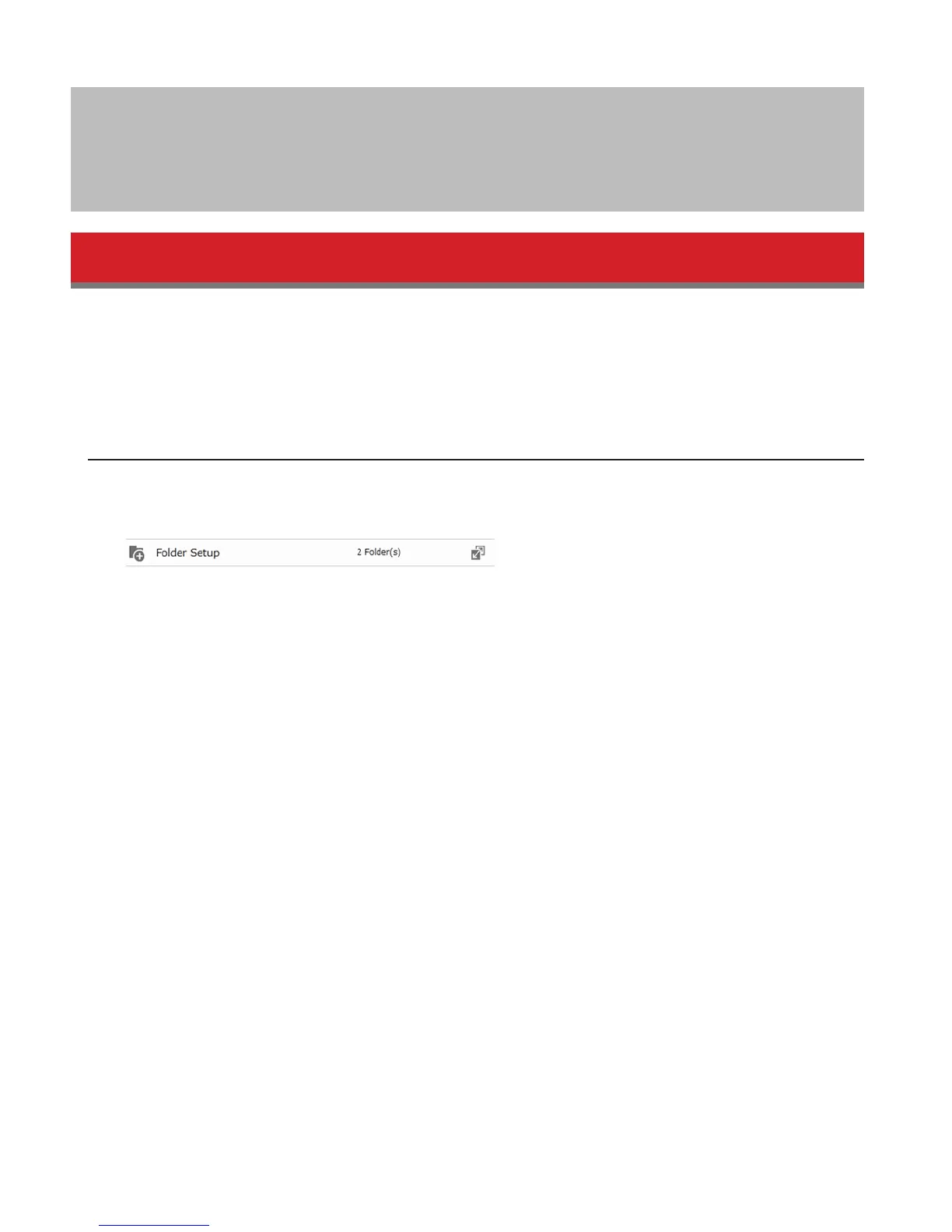
1 In Advanced Settings, navigate to Folder Setup.
2 Choose the folder to set as a backup destination.
3 Click Edit.
4 Under “LAN Protocol Support”, check “Backup”, then click OK.















 To Next Page